Security and trust
You hold the keys to your customers. So do we.
An MSP platform can reach every machine and tenant you look after. Here is how Tenvara is built to deserve that access, in plain terms.
Access and sign-in
- Two-factor for everyone
- Local accounts use TOTP two-factor, and admins can make it mandatory.
- Single sign-on
- Entra ID, Google Workspace, any OpenID Connect provider, or SAML 2.0, with group to role mapping and domain enforcement.
- Break-glass access
- Local sign-in stays available to a named admin when single sign-on is required for everyone else.
- Roles and permissions
- Admin, technician and read-only, with permissions per module and staff access scoped by customer.
Data
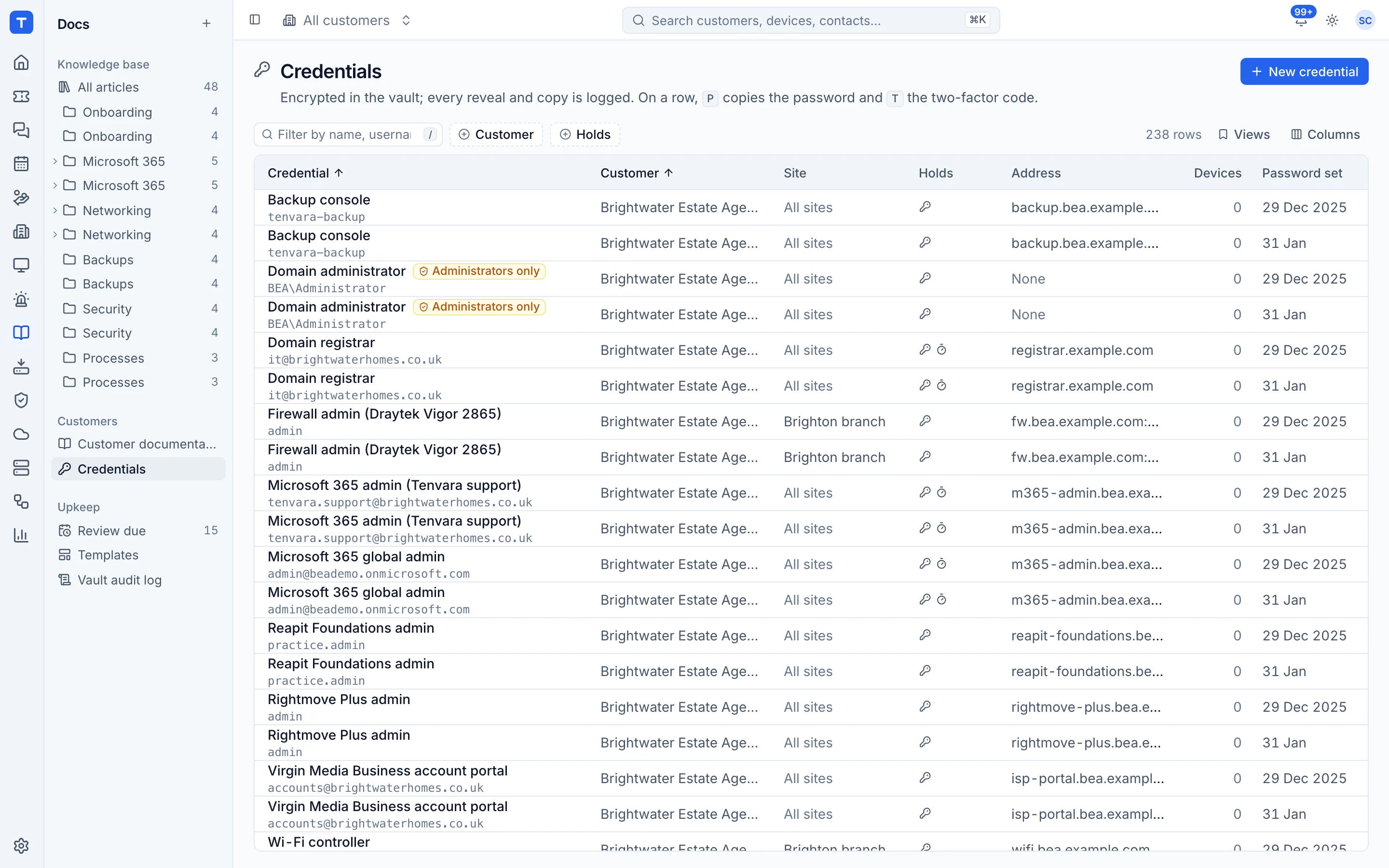
- Encrypted secrets
- Credentials, TOTP seeds, licence keys and integration tokens are encrypted at rest and only decrypted when used or revealed.
- Every reveal audited
- Revealing a credential records who, what and when. Nothing secret is shown by default.
- Encryption in transit
- Every connection, from the browser and from the agent, uses TLS.
- Your data, your location
- Self-hosted installs keep everything on your infrastructure. Hosted instances each have their own database.
The agent
- Signed builds
- Windows and macOS agents are code signed, and updates are verified before they install.
- Self-update with rollback
- A failed update rolls back rather than leaving a device unmanaged.
- Signed scripts
- Scripts run on devices come from your server over the agent connection, not from arbitrary sources.
- One connection
- Every module talks to the server through the one authenticated agent connection.
AI and third parties
- Off by default
- AI features do nothing until you add your own Anthropic API key.
- Read-only unless approved
- The assistant runs read-only checks. Anything that changes a device needs a technician to approve it.
- Listed and logged
- Settings lists exactly what is sent to the model, and every AI call and result is logged on the ticket.
- Per-customer opt-out
- Switch AI off for any customer who does not want it.
Reporting a vulnerability
If you think you have found a security problem in Tenvara, email security@tenvara.io with the details and how to reproduce it. We will acknowledge it, keep you updated, and credit you if you would like. Please give us a reasonable time to fix it before telling anyone else, and do not access data that is not yours.
Data protection
For hosted instances we act as your processor under UK GDPR and EU GDPR. Our data processing agreement sets out what we do with the data and how we protect it.
Security questionnaire to fill in?
Send it over. We'll answer it properly rather than pointing you at a badge.