Microsoft 365
Every Microsoft 365 tenant you look after, in one place
Connect each customer tenant once. Check them against CIS, SCuBA, NIST and Essential Eight, deploy your own baselines and put drift right, manage Intune, and run starters and leavers without logging in to another admin centre.
Multi-tenant
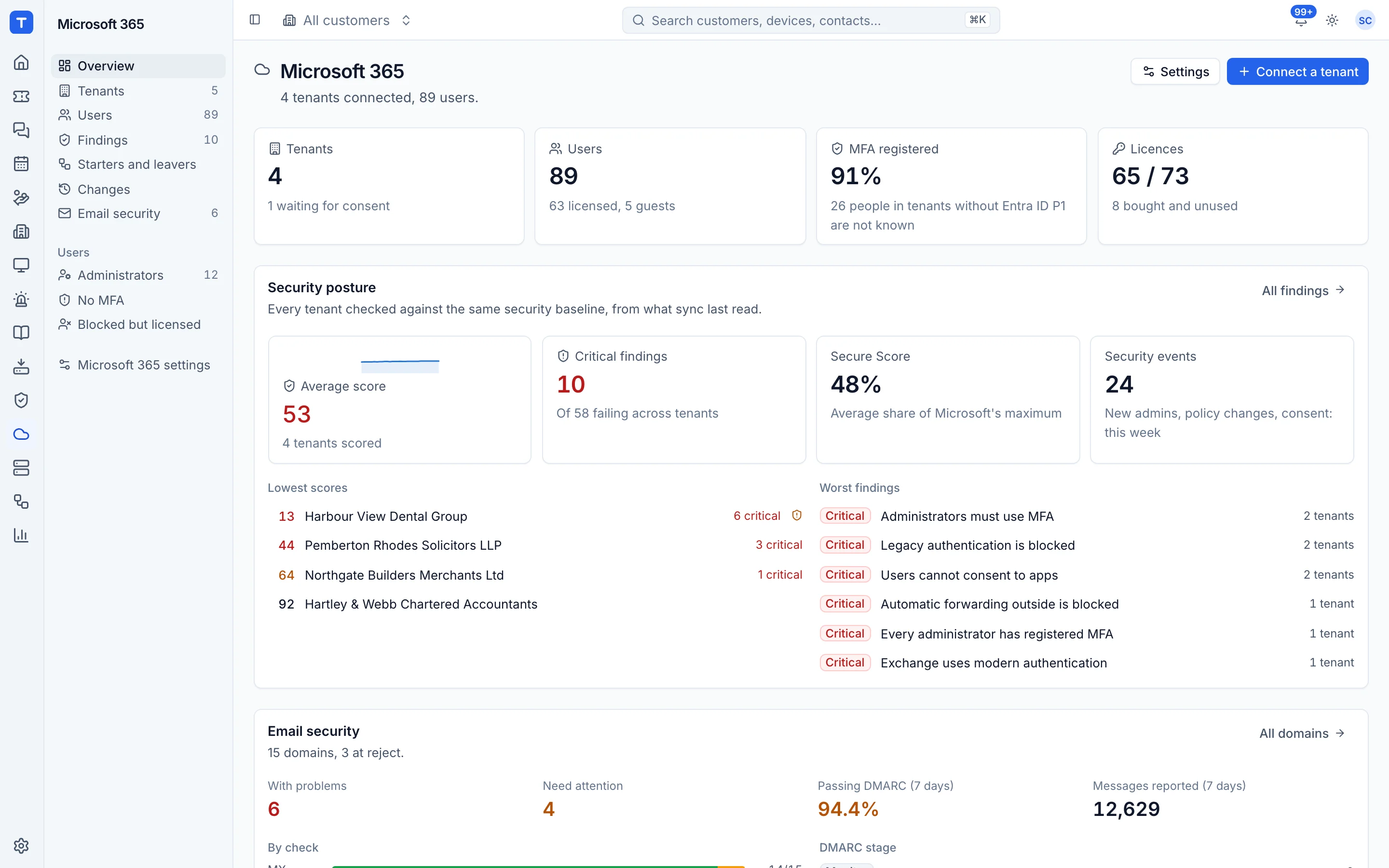
Every customer tenant in one list in the Cloud area, linked to the customer record.
Posture checks
Baselines from CIS, SCuBA, NIST and Essential Eight, with the failing settings listed.
Your own baselines
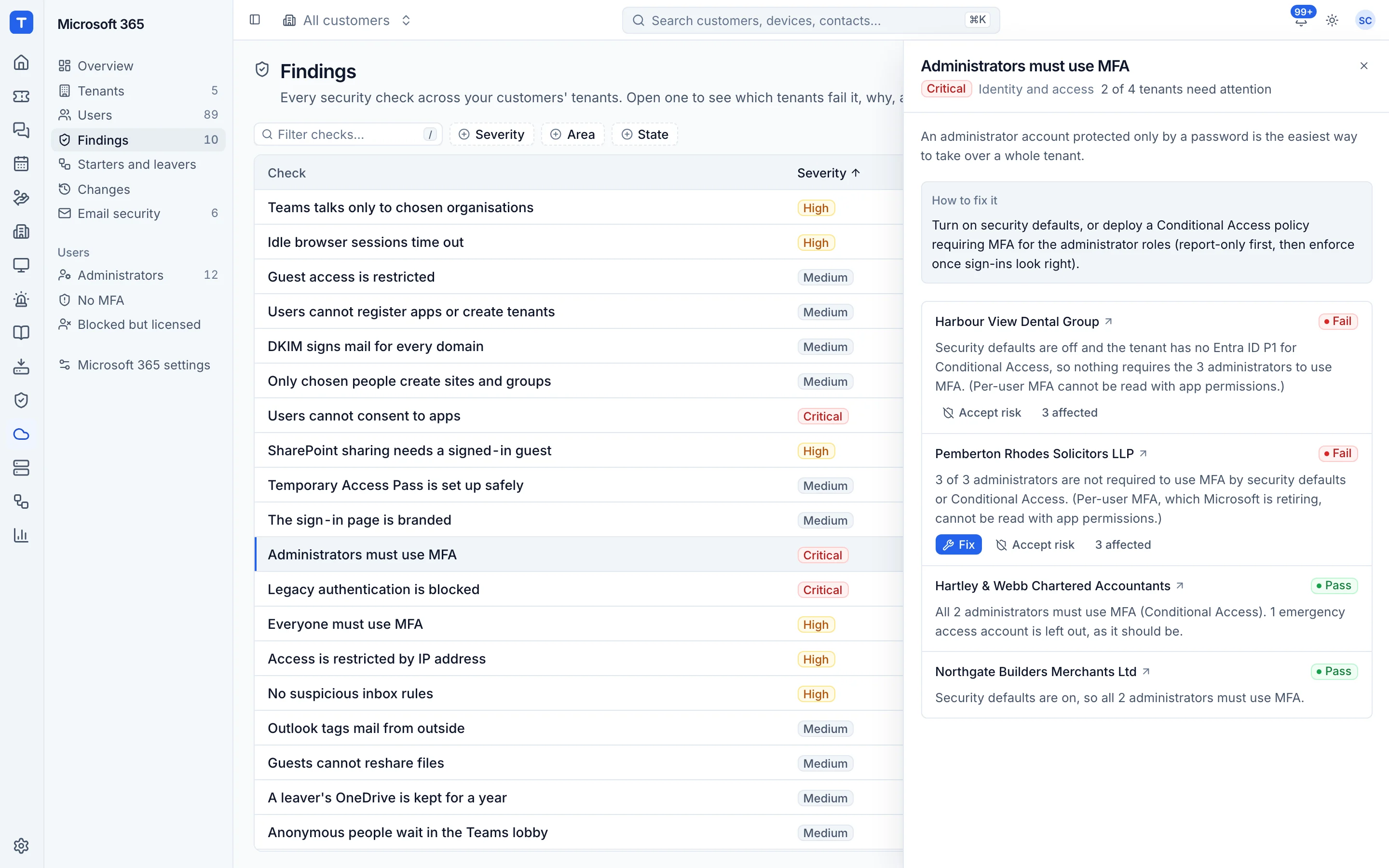
Capture the settings you want, deploy them to many tenants, and fix drift automatically where you say.
Intune and devices
Compliance, Autopilot, profiles, apps and template bundles, with LAPS and BitLocker keys behind the vault's audit.
Findings you can act on
Each finding says what is wrong, which tenant, why it matters and how to fix it. Filter by severity or baseline across every tenant, and turn the ones that matter into tickets.
- Grouped by baseline and severity
- Across all tenants or one customer
- Sign-in and risk signals feed Security
Baselines, snapshots and drift
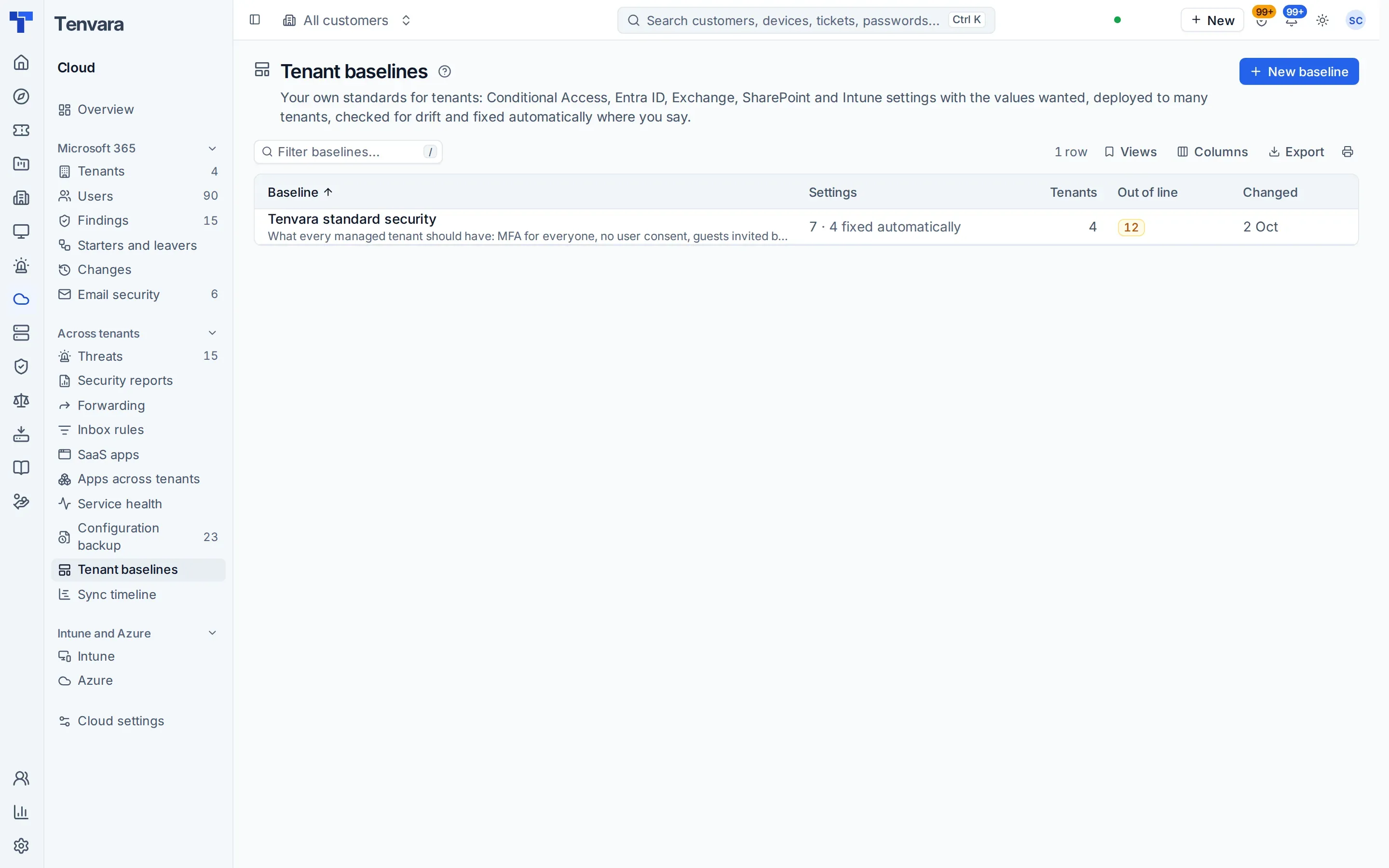
Write your standard once: Conditional Access, Entra ID, Exchange, SharePoint and Intune settings with the values you want. Tenvara deploys it, watches for drift and puts it right automatically where you choose. Configuration snapshots record every tenant's settings so you can see what changed and restore it.
- Baselines deployed across tenants
- Drift alerts and automatic fixes
- Snapshots with a diff and restore
Every app in every tenant, in one list
Apps across tenants shows each enterprise app in your customers' tenants once, with its permissions in plain English, who consented, its owners, secrets and last sign-in. Cleanup suggestions disable unused and risky apps, keep them for 30 days and delete them after the approval you choose, an approved apps list flags everything else, and a known-bad app raises one critical alert. When an app can no longer be trusted, one approval switches it off in every tenant you look after, and one click turns it back on.
- Filters for unused, unverified, high privilege and apps with secrets
- Customer approval in the portal, with a branded report
- A watchlist of known-bad apps you can add to
Conditional Access you can read
Open any Conditional Access policy and read it in words: who it covers and leaves out, the apps, the conditions and the controls. See what it did to real sign-ins over 7 or 30 days, or what a report-only policy would block if you enforced it, ask What if for a person with Microsoft's own answer beside Tenvara's, and follow its history with who changed what. Leaving someone out goes through an approval, and a good policy copies as a template for other tenants.
- Its effect from real sign-ins
- What if for any person
- History with authors, and Copy as template
Intune in the same place as everything else
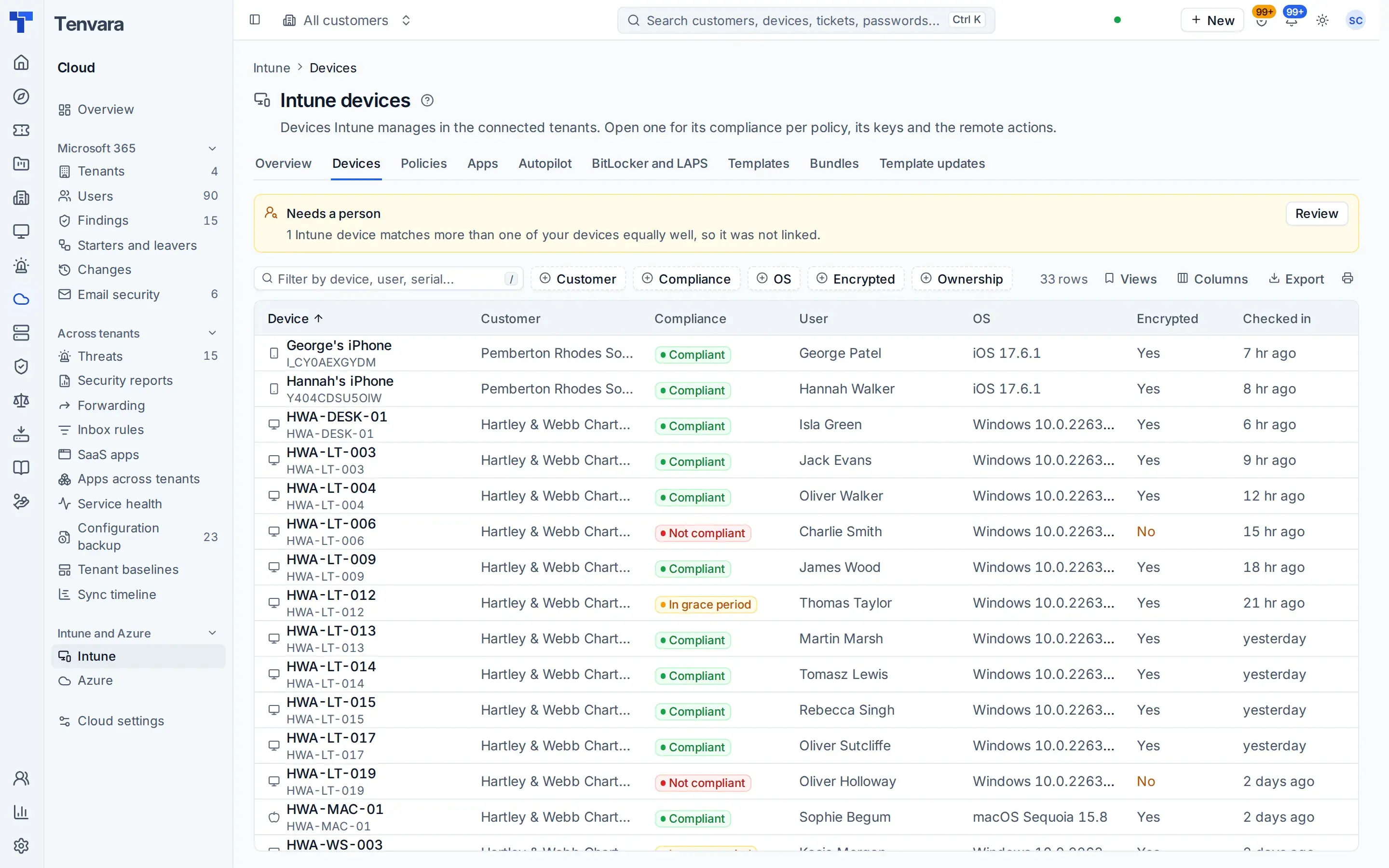
Managed devices and their compliance, Autopilot, configuration profiles, apps and templates with drift sit on one Intune page, once the Intune permissions are consented. Import the OpenIntuneBaseline as templates and see what changed, policy by policy, when a newer release is out. Save templates as a bundle and apply it to a tenant as one previewed, approved change, then update it in place or side by side, with rollback. LAPS passwords and BitLocker keys are revealed through the vault's permission and audit.
- Compliance per device and policy
- Autopilot with CSV import
- Intune devices linked to the devices you manage
- Account threat detection and automatic response
Users, mailboxes, starters and leavers
Shared, room and equipment mailboxes, calendar rights, aliases, message trace, quarantine, guests and deleted users, without opening another admin centre. Starters and leavers run the same way every time, and for synced users the change goes to the customer's own domain controller through the agent. Bulk changes, CSV imports and changes scheduled for later or for a set time are logged on the ticket.
- Choose which features to switch on per tenant
- Hybrid Active Directory users handled properly
- A leaver bundle in automation that runs in leaver order, with Undo
- Previews, approvals and undo on changes
- A role switch that decides who may change Microsoft 365
A connection that looks after itself
Tenvara checks its own app registration: every redirect address, permission and admin consent it needs, and when its secret and certificate end, with each problem explained and the fix beside it. Fix it for me adds what is missing to your own app registration after one sign-in, then takes you to the consent click. It is checked every day and raises an alert when it drifts.
- Checked on load, every day and after every change
- An alert when the registration drifts
- A sync timeline for each tenant, with Microsoft's throttling named
In the knowledge base
See exactly how it works
Tenvara is coming soon.
We're inviting MSPs to the beta in small groups. Apply to join, or get launch updates by email and hear first when pricing is announced.