Access and portal
One login, one search, one set of permissions
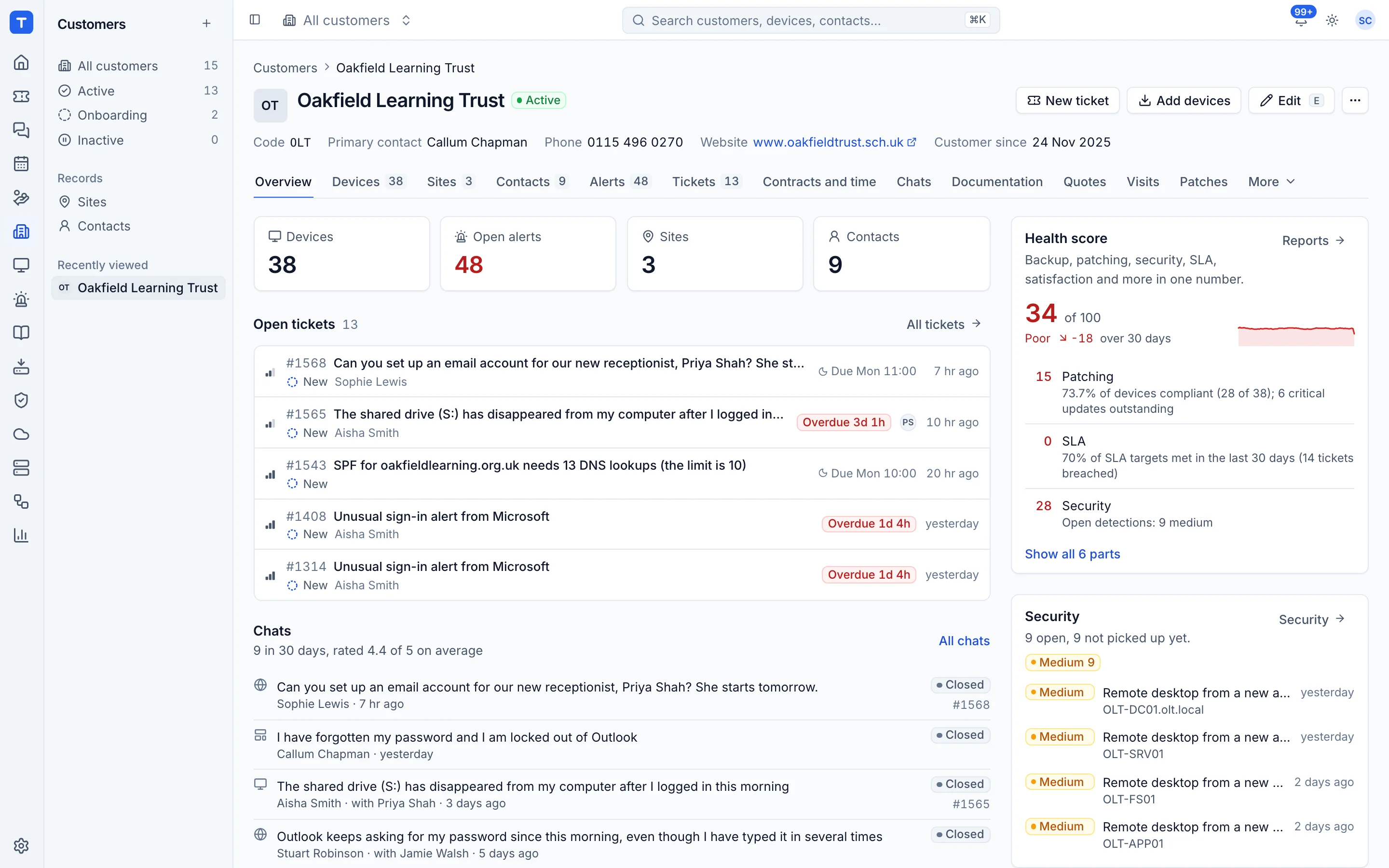
Everything is built around the things you work on: customers, sites, contacts, devices, tickets and alerts. One search finds all of them, one command palette runs actions on them, and one set of roles decides who can do what.
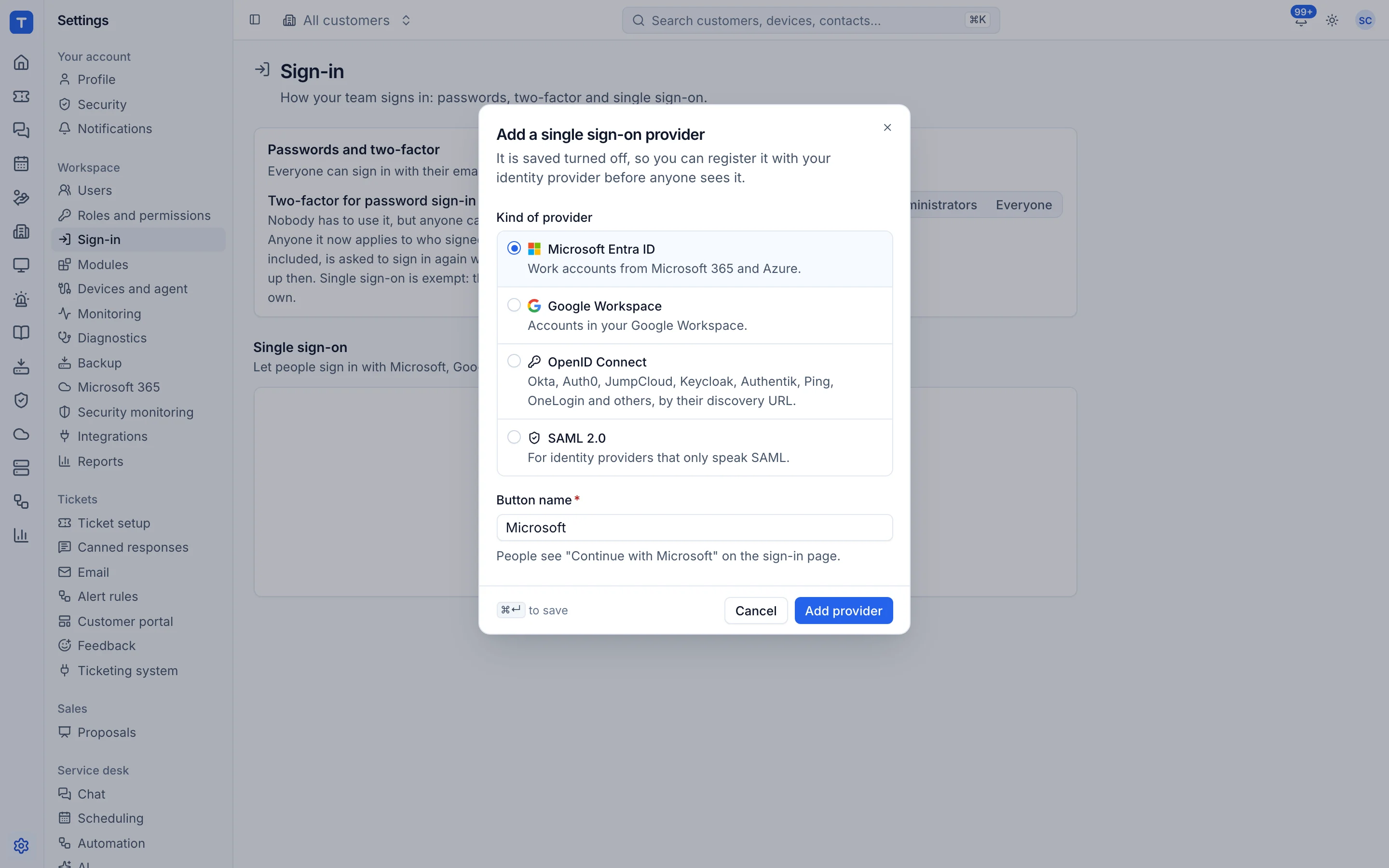
Single sign-on
Microsoft Entra ID and Google Workspace presets, any OpenID Connect provider, and SAML 2.0.
Roles and permissions
Admin, technician and read-only, with permissions per module.
Customer portal
Contacts log in to raise and follow tickets, chat and read published articles.
Light and dark
Both first class, following the system by default.
Sign in the way your team already does
Local accounts with two-factor work out of the box. Add Entra ID, Google or any OIDC or SAML provider from Settings, map groups to roles, and require single sign-on for your domains while keeping a break-glass admin.
- Allowed email domains per provider
- Group to role mapping
- Just-in-time user creation on or off
Fast for people who live in it
Cmd+K jumps to any customer, ticket or device and runs actions. Lists have keyboard shortcuts, detail opens in a side panel so you keep your place, and the whole thing updates live.
- Command palette for everything
- j and k to move through lists
- Live updates for tickets, alerts and chat
See Tenvara running an MSP.
A 30 minute walkthrough on a call, with the real product and real questions. Bring the awkward ones about moving over, pricing and self-hosting.