Open Services on a typical managed laptop and count the agents. One for monitoring, one for remote access, one for backup, one for patching if the RMM doesn't do it well, one for documentation or asset discovery, maybe another for security logs. Each one arrived with a tool that made sense at the time. Together they make a machine that's slower, harder to troubleshoot and harder to trust.
We run an MSP ourselves, and we've lost plenty of afternoons to this. So when we built Tenvara we made one decision early: one agent, one install, and everything else is a module inside it.
Every agent has a cost
Nobody adds an agent to be difficult. The trouble is that the costs are small individually and invisible until they stack up.
Performance. Every agent has a service running, a connection to keep alive, a schedule of scans and check-ins, and its own update routine. On a decent desktop you might never notice. On an older laptop, a reception PC or a busy terminal server, four or five of them waking up at once is exactly when the user rings to say "it's gone slow again".
Security surface. Every agent is privileged software. It usually runs as SYSTEM or root, talks to a server on the internet, and can be told to do things. That's the point of it, and it's also why attackers love management tooling. More agents means more services to harden, more update channels that need to be trustworthy, more credentials and tokens, and more vendors whose security you're relying on. The fewer privileged things you have listening on an endpoint, the fewer ways in.
Troubleshooting. When something breaks, the first job is working out which agent did it. Is the CPU spike the backup scan or the inventory run? Did the remote tool conflict with the patch reboot? Is the endpoint showing offline in one console because of the network, or because that particular agent crashed? Every extra agent is another log to find, another service to restart and another support desk to call.
Deployment and drift. Onboarding a new customer with five agents means five installers, five sets of keys or tokens, five things to check. Six months later, a laptop is rebuilt and only three of them come back. Nobody notices until the day you need backup or remote access on that machine and it isn't there.
What good looks like
Whatever you use, a healthy endpoint setup usually has a few things in common:
- One privileged service per job, ideally one overall. Fewer moving parts, fewer surprises.
- A single, signed update path. You want to know that whatever lands on the machine came from you and has been checked.
- Enrolment tied to a customer from the start. Devices shouldn't sit in a holding pen waiting for someone to sort them.
- The ability to switch features off per device. A server that must never be remoted into shouldn't have remote control running at all.
- Reinstalls that don't create duplicates. Rebuilding a machine shouldn't split its history in two.
It's worth auditing a few customer machines against that list. Even if you change nothing, you'll know where the weak spots are.
How the Tenvara agent works
The Tenvara agent is one small service for Windows, macOS and Linux. It keeps a single encrypted connection to your Tenvara server and runs the modules you switch on: inventory, remote control, monitoring, patch management, software, scripts, printers, backup, diagnostics, chat, security monitoring and the Proxmox and web server roles. There are no extra installs per feature.
Installing it. You create an enrolment token for a customer (and optionally a site), with an expiry and an optional device limit. Tenvara gives you a one-line install command for each platform. On Windows it runs in an elevated PowerShell and downloads the signed installer; on macOS it runs in Terminal; on Linux it runs as root on Debian, Ubuntu, RHEL, Fedora and most systemd distributions. The same command works from Intune, another MDM or any tool that can run a script, so you can roll it out to a whole customer at once. Within seconds the device shows up under that customer with its hardware, operating system and running modules. The full steps are in Installing the agent.
Reinstalls. Each device has a fingerprint made from stable hardware identifiers, so reinstalling the agent on the same machine keeps the same record and history. New agents are matched to existing devices by serial number and then hostname, never across customers. If a device that already has a live agent is enrolled again with a different key, the new install is held as pending until an administrator approves it, which stops anyone who can read a machine's hardware IDs from taking it over.
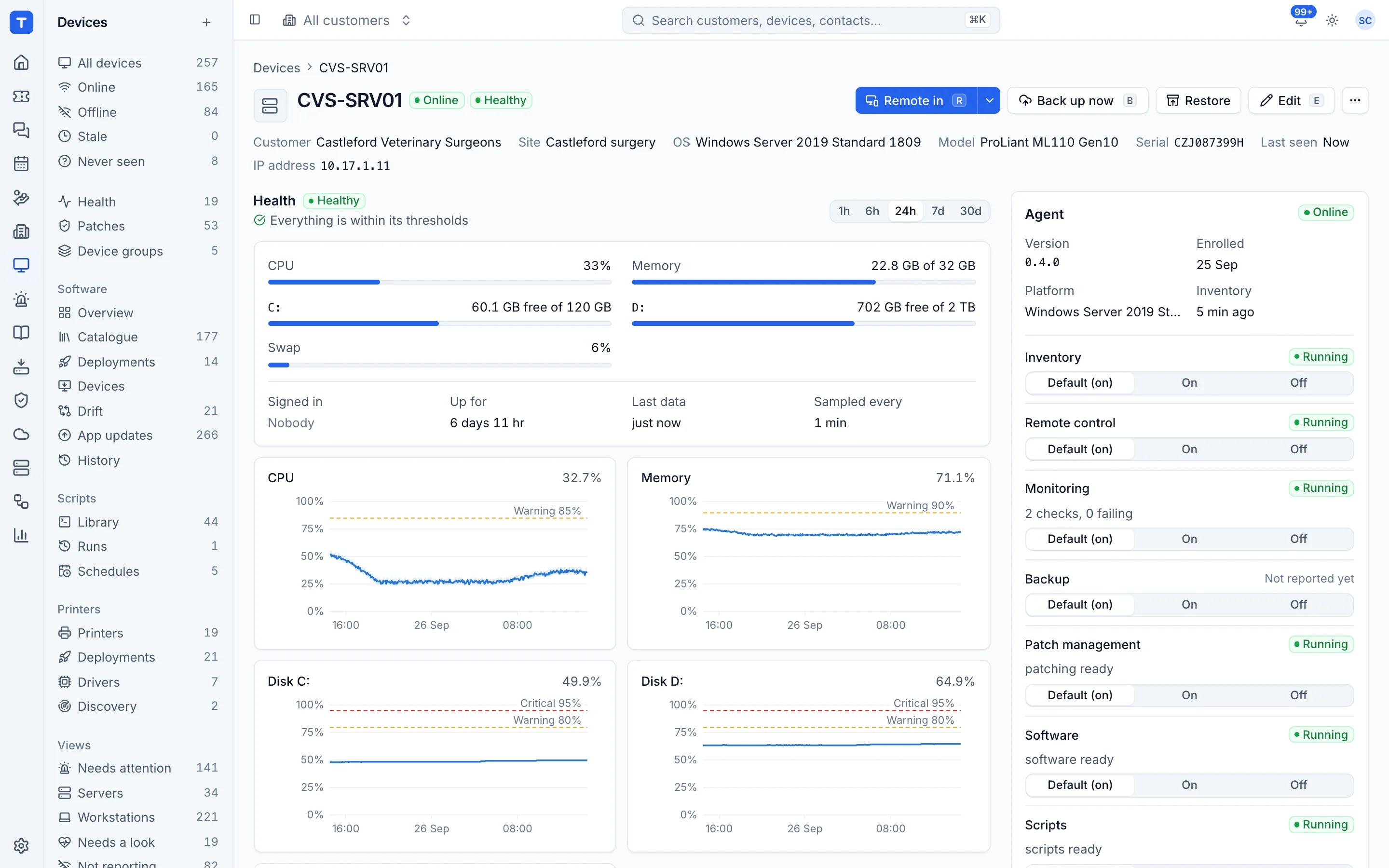
Modules, not installs. Every module is on by default, and you decide which run across the workspace in Settings > Devices and agent. Any single device can override that with Default, On or Off for each module, so you can switch remote control off on a sensitive server or turn off a role a machine doesn't need. The device page shows each module's state as the agent reports it, for example Running or 4 checks, 1 failing. See The device page.
Backup is the one piece that brings a helper with it, and it's handled for you: when you protect a device, the agent downloads the backup helper and keeps it running and up to date. Devices you don't protect never get it.
Updates you can trust. Agents update themselves to the newest stable release by default. Every update is signed by your Tenvara server and checked before it's installed, and an agent refuses anything that isn't signed by the server it enrolled with, isn't for its platform or doesn't match its checksum. If a new version doesn't start and stay up, the previous version is put back and the failed update is reported. You can turn automatic updates off and deploy the packages yourself if you prefer. The details are in Devices and agent.
Leaving cleanly. Revoking the agent from a device disconnects it and stops it signing in again, while the device record and its history stay in Tenvara.
The knock-on effect
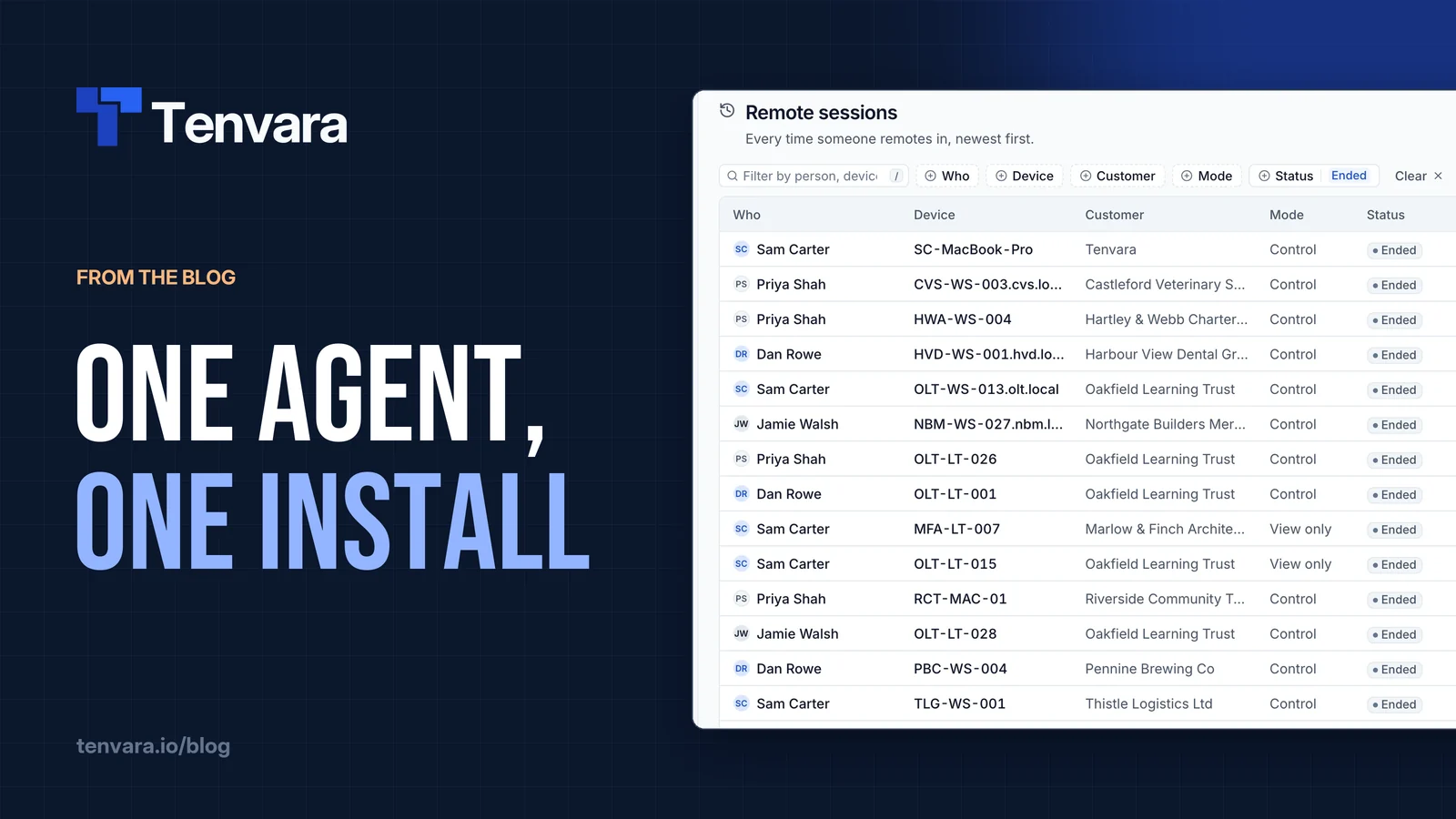
One agent isn't just tidier. It means the device page can show health, patches, software, scripts, backup, security and remote sessions for a machine in one place, because they all came from the same source. It means a new customer is one token and one command. And when something does go wrong on an endpoint, there's one service to look at.
If you've been counting the cost of juggling separate tools, the real cost of tool sprawl goes into the wider picture. You can see how devices, monitoring and patching fit together on the RMM page, or put the agent on a test machine with a free trial.