Hello, and thanks for stopping by. This is the first post on the Tenvara blog, so it seems fair to start at the beginning: who we are and why Tenvara exists.
Tenvara did not start as a product idea. It started as the tools we built for our own MSP, because we needed them and nothing we could buy fitted the way we worked. We run a managed service business in the United Kingdom, and this is the story of how those in-house tools turned into one platform.
A tool for every job
If you run an MSP, you will recognise the shape of this. Over the years we ended up with a separate app for almost every job: tickets, remote access, monitoring, backup, Microsoft 365, printing, security. Some we bought, some we built ourselves.
Each one worked. That was never the problem. The problem was what happened in the gaps between them.
Every tool had its own login. Every tool had its own database, with its own idea of who our customers were. Every tool wanted its own piece of software on the endpoint. And a surprising amount of our time went on glue: scripts, exports and plain copy and paste, just to make the systems agree on which customer was which.
What a normal morning looked like
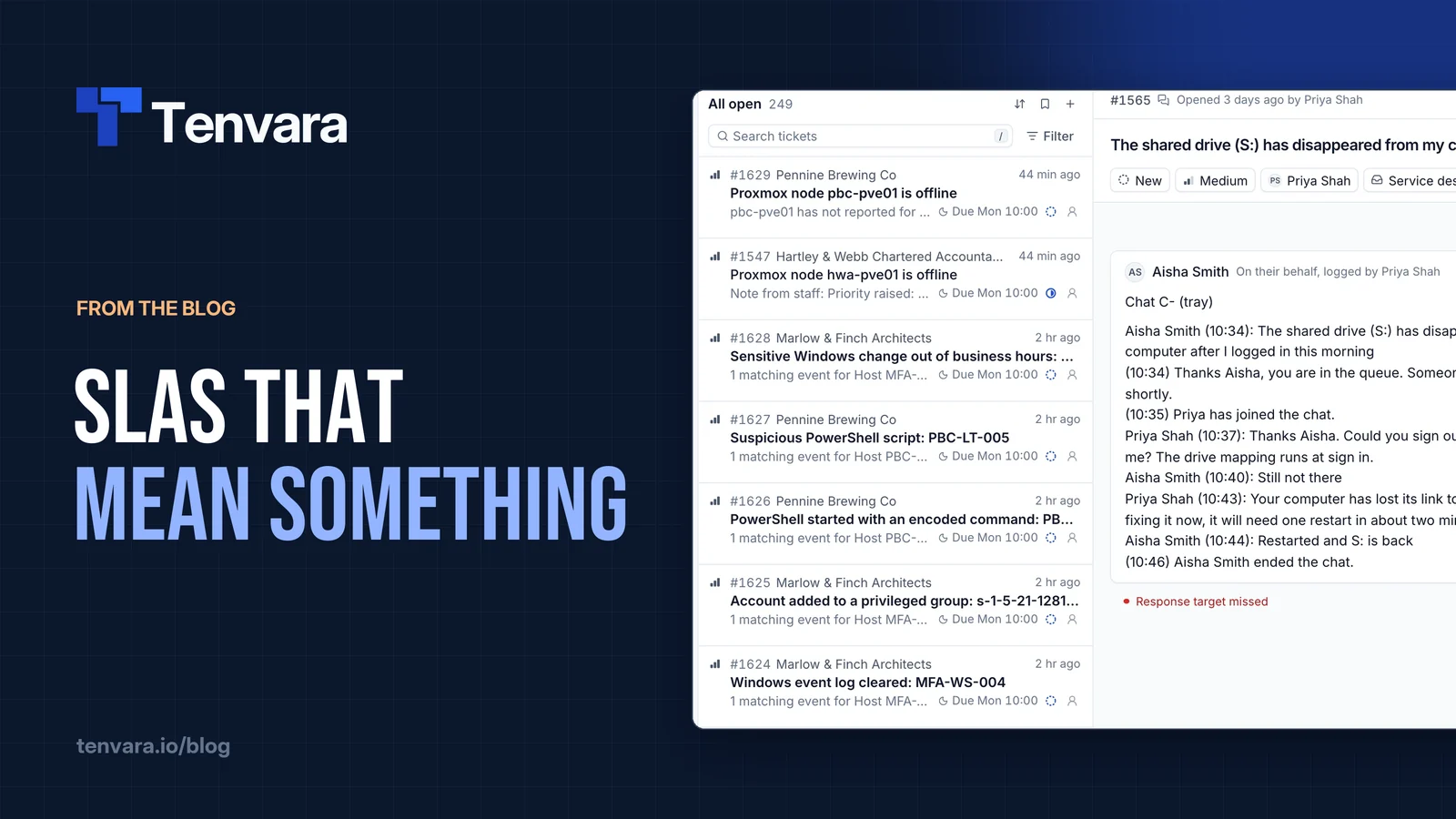
Picture a fairly ordinary ticket. A user at a customer site says their shared drive has vanished after they logged in.
To work it properly, a tech would open the ticket in one system, look up the device in another, remote in with a third, check whether the machine had been patched overnight in a fourth, and then wonder whether the file server's backup had run, which meant a fifth. If the user's Microsoft 365 account was involved, add a sixth.
None of those steps is hard. Together they are slow, and they are where mistakes creep in. The customer name is spelled slightly differently in two places. The device was renamed and one system never caught up. The tech who knows where everything lives is on holiday.
Multiply that by every ticket, every tech and every day, and the cost adds up quietly. The friction had become the job, and it should not have been.
So we rebuilt it as one product
At some point we stopped patching the gaps and started again. The goal was simple to say and a lot of work to do: one front end, one login, one agent and one database, organised around the things a technician actually works on. Customers, devices, tickets and alerts.
Nobody using it should be able to tell where one feature ends and the next begins. That was the test we set ourselves, and it is still the test we use.
What one platform actually means
"All in one" gets said a lot, so here is what we mean by it in practice.
One customer record
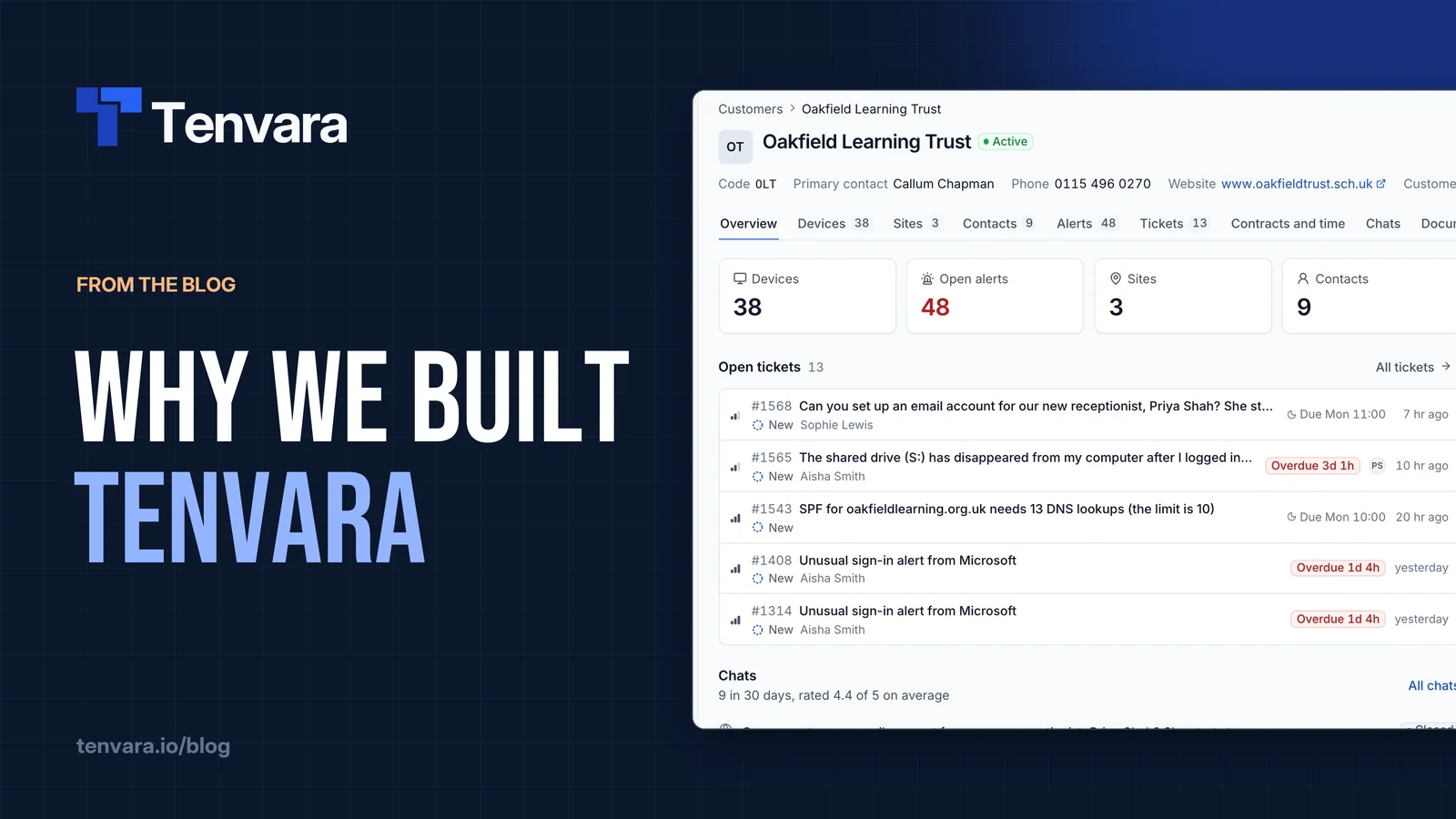
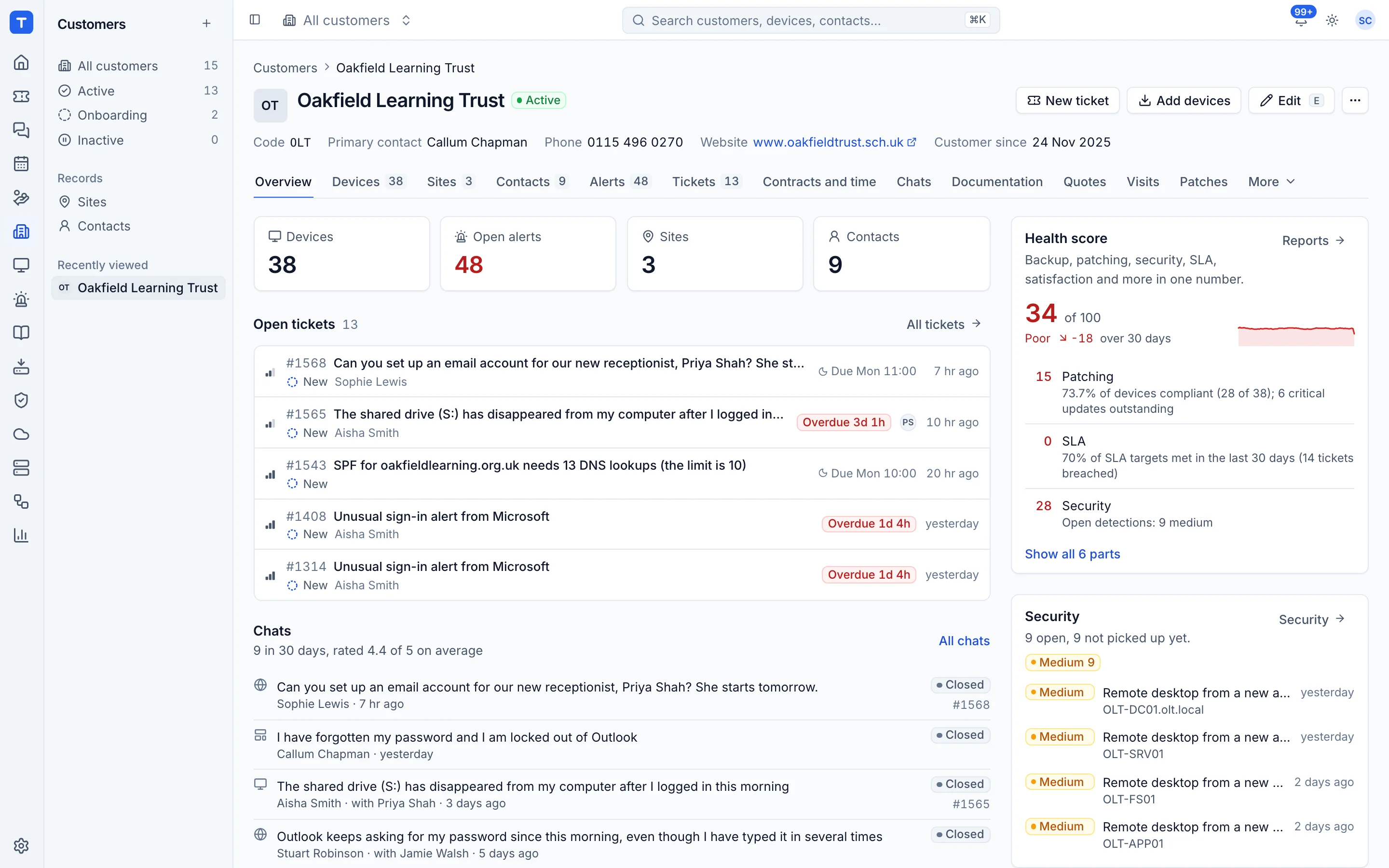
Everything in Tenvara hangs off a customer: its devices, tickets, contracts, alerts, documentation and backups. Open a customer and the overview shows their open tickets, recent chats, alerts, device health, patching, backup, security and a health score together. There is nowhere you have to copy a customer name from one system into another.
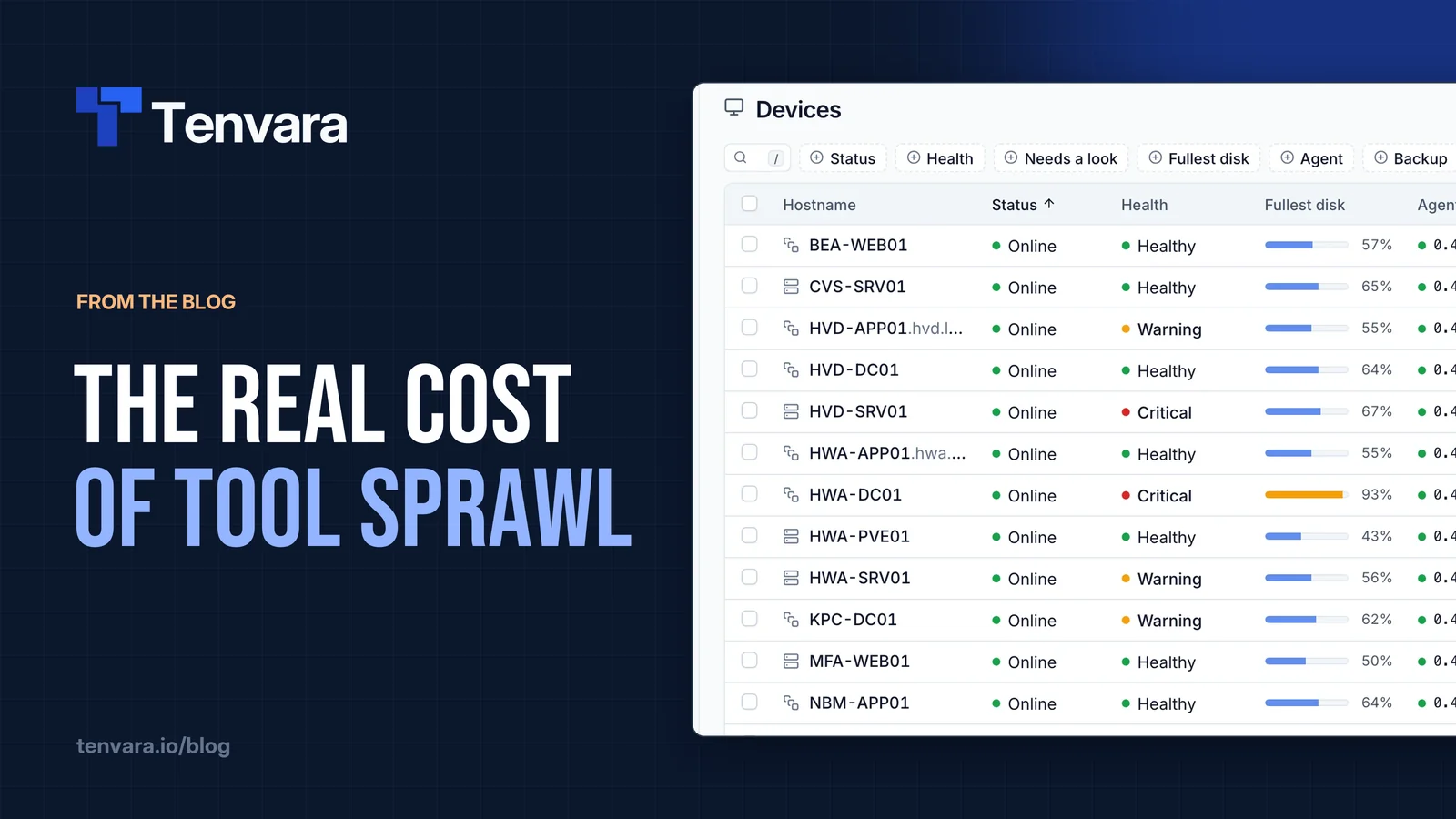
The same goes for devices. A device page shows its health, patches, software, backups and open alerts, with Remote in a click away. The shared drive ticket from earlier becomes one screen, not six tabs.
One agent
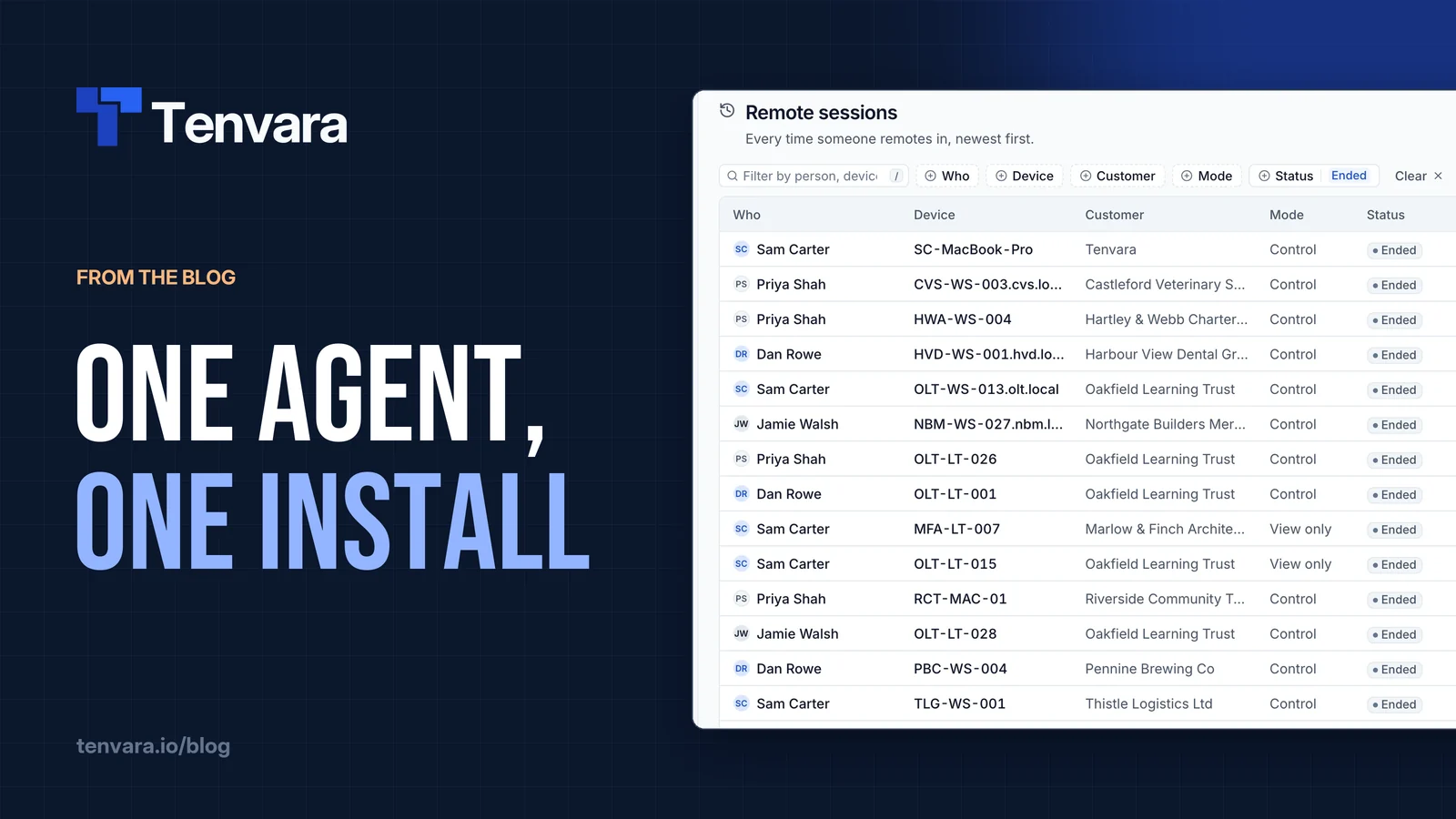
Devices report in through a single Tenvara agent for Windows, macOS and Linux. One installer, one service, one enrolment. Inventory, remote control, monitoring, patching, software, scripts, backup, security monitoring and the rest are modules inside that agent, switched on by policy from the server. No extra installs per feature, and no wondering which of four agents has stopped checking in. The installing the agent guide shows how short that process is.
One login
Your team signs in once, with a password and two-factor or with single sign-on, and has one set of roles and permissions across the whole app. A new tech gets one account, not a dozen. Someone who leaves loses access in one place.
We run our own MSP on it
This is the part that keeps us honest. We use Tenvara to run our own managed service business every day. If something is slow, confusing or missing, we are the first to feel it, usually on a busy Monday morning with a queue full of tickets.
That shapes the priorities we care about:
- One app, properly. Not a bundle of separate products with a shared logo. One data model, one design, one agent.
- Speed. Technicians live in it all day. Every click and every page load counts.
- Your choice of hosting. Self-host it on your own server or let us run it. It is the same product either way.
- Straight answers. Real screenshots and no invented numbers.
Why share it with other MSPs
Once it was working for us, the obvious question was whether other MSPs had the same problem. Every MSP owner we spoke to described the same pile of tools, the same logins, the same glue. So we decided to open it up.
Tenvara is in beta now. You can try the full product on your own hosted instance at yourname.tenvara.app, free for 30 days with no card needed, or run it yourself with Docker on your own server. It is the same product either way. You can see how the pieces fit together on the product overview or in what Tenvara is.
What this blog is for
This blog is where we will write about the practical side of running an MSP: tool sprawl, agents on endpoints, patching, SLAs, documentation, backup, Microsoft 365 security and hosting choices. Most of it will be useful whether or not you ever use Tenvara. Where it fits, we will show how we handle things in the product, with real screenshots.
New posts land every Tuesday. You can follow along on LinkedIn, X, Bluesky and YouTube, or through the blog feed if you still like a good feed reader. If there is a topic you would like us to tackle, tell us.
Where we go from here
We built Tenvara because we needed it. We are sharing it because we think a lot of MSPs need it too, and because the best way to make it better is to have more people running real customers on it and telling us what gets in their way.
If that sounds like your morning, have a look around with the free trial. We would love to hear what you think.