Most MSPs do not choose tool sprawl. It builds up one sensible decision at a time. You needed remote access, so you bought a remote access tool. Backup came next, then monitoring, then a documentation platform, then something for Microsoft 365.
Each tool earns its place on its own. The cost only shows up when you add them together, and it rarely shows up on an invoice. It shows up in your techs' day.
Context switching
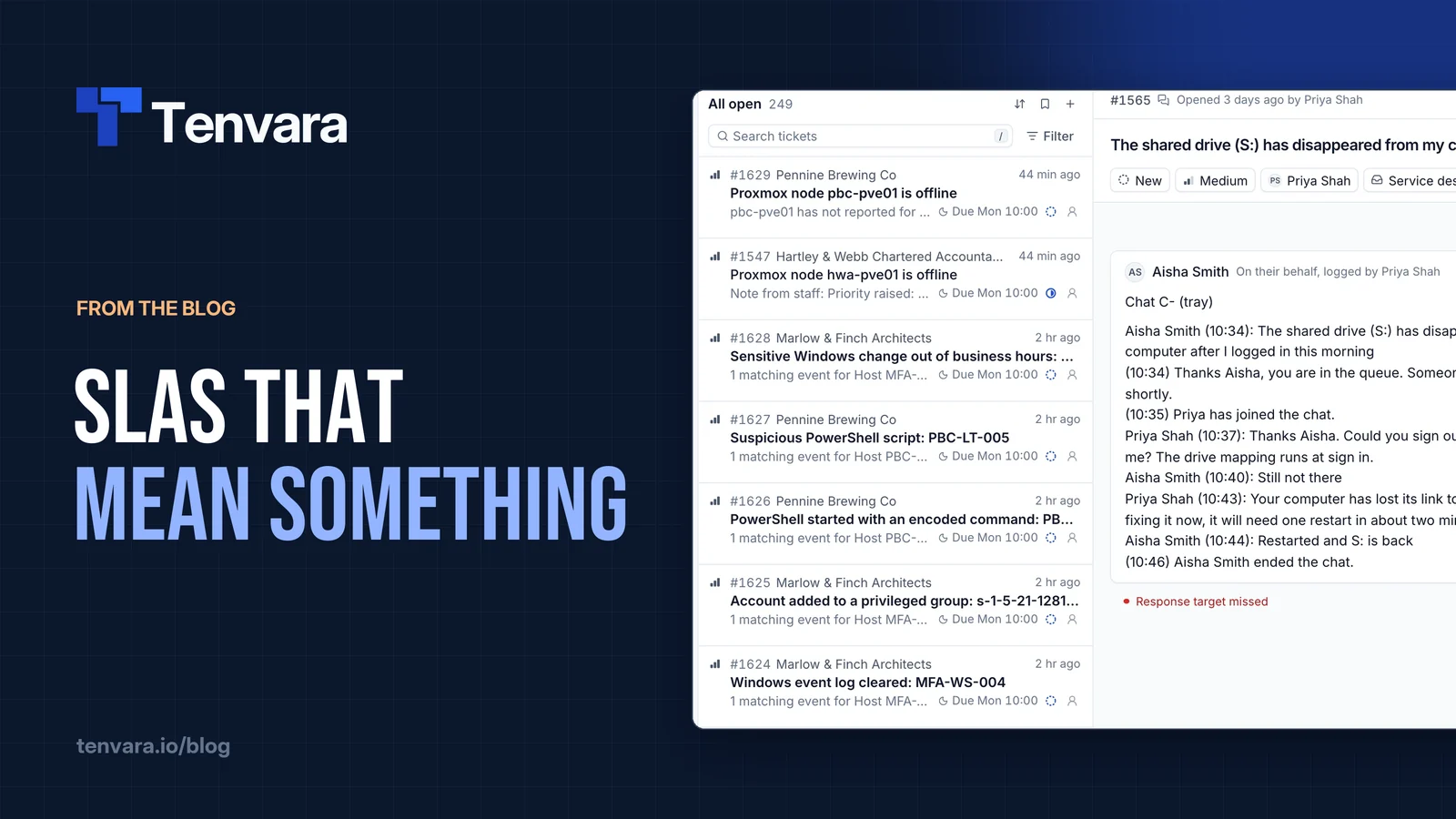
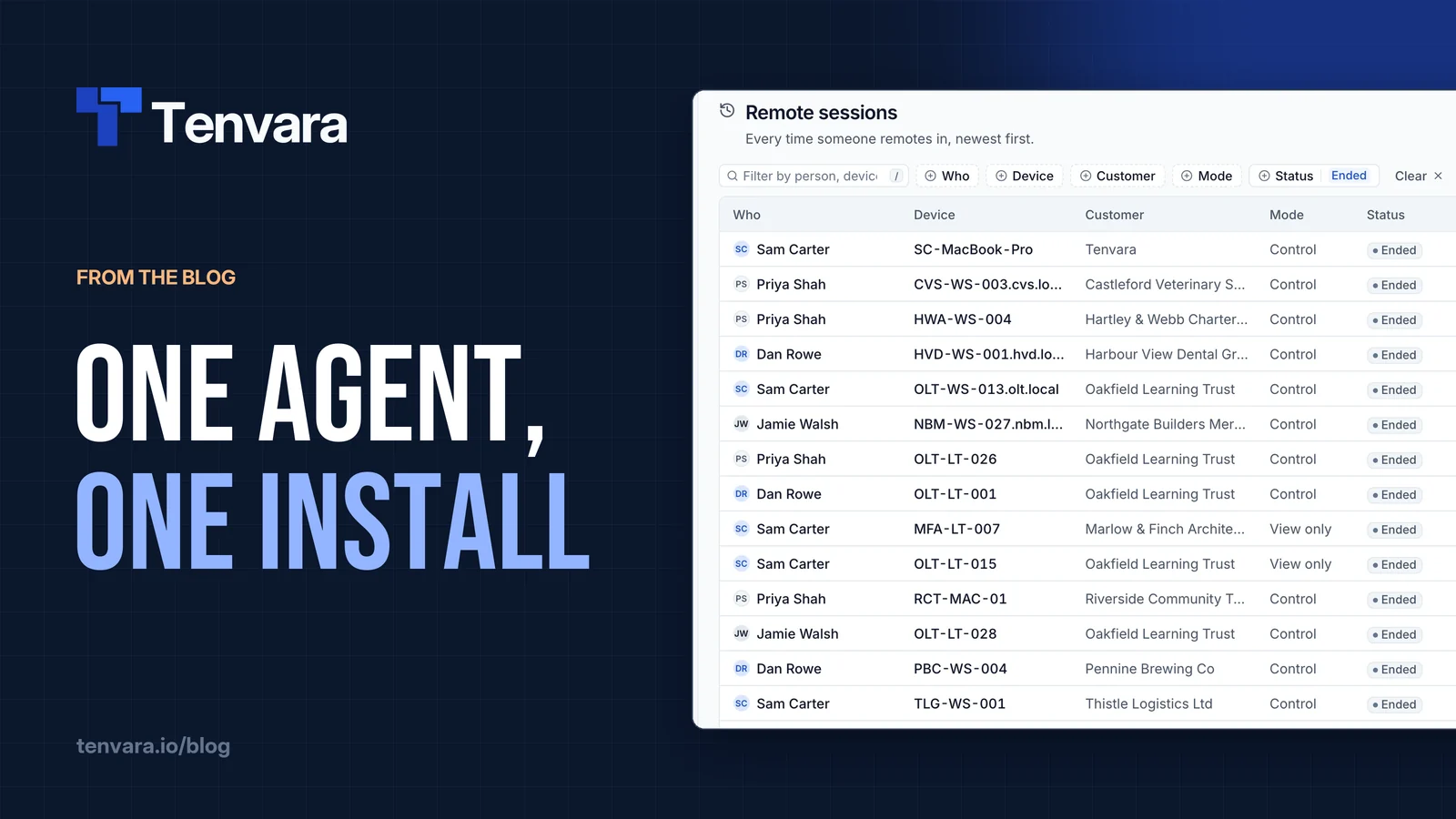
Think about how a tech works a single ticket. The ticket lives in the PSA. The device lives in the RMM. The remote session opens in another tool. The backup status is somewhere else, and the customer's passwords are somewhere else again.
Every hop means a new tab, sometimes a new login, and always a fresh search for the same customer. Each one is small. That is exactly why nobody measures them.
Here is an illustration, not a statistic. Say a tech hops between tools 40 times a day, and each hop costs 30 seconds to find the right window, sign in if the session has expired and look the customer up again. That is 40 × 30 seconds, or 20 minutes a day. For a team of five, it is 100 minutes a day. Across 20 working days, that is 2,000 minutes, or roughly 33 hours a month, spent getting to the work rather than doing it.
Your numbers will be different. Count your own hops for a day and do the sum. It is usually more than people expect.
The time is not even the worst part. Switching breaks concentration, and a tech who has just found the right screen in the fifth tool has often lost the thread of what the customer said in the first.
Duplicate data that drifts apart
Every tool has its own database, and every one of them has its own list of your customers. They start out matching. They do not stay that way.
A customer changes its name. A device gets rebuilt and renamed. A contact leaves and someone updates two systems out of four. Before long the RMM has "Oakfield Trust", the PSA has "Oakfield Learning Trust" and the backup console has a code nobody remembers setting.
Then you spend time on glue: sync scripts, CSV exports, integrations that break when one vendor changes an API. Worse, you make decisions on data that is quietly wrong. Billing is where this bites hardest, because a device or licence that exists in one system and not another is either money left on the table or a disputed invoice.
Too many agents on every endpoint
Tool sprawl does not stay on your side of the fence. It lands on your customers' machines as agents.
Another illustration: four tools that each need an agent, across 500 endpoints, is 2,000 agents to deploy, update and keep checking in. When a machine goes quiet in one console, you first have to work out whether the device is offline or just that one agent has stopped.
Every agent is also something else running at start-up, something else to allow through security software, and one more thing to explain when a customer asks what is installed on their laptops. More moving parts means more things to break, and more things to secure.
Paying twice for the same thing
Look closely at a mature MSP stack and you will usually find overlap. Two tools that can both do remote access. A monitoring feature in the backup product that nobody uses because the RMM already does it. A documentation module inside the PSA, sitting next to the separate documentation platform everyone actually uses.
Overlap is easy to miss because each subscription is billed separately, often per technician or per endpoint, on different renewal dates. Once a year, put every tool on one sheet with what it costs and what you actually use it for. Anything that appears twice in the "used for" column is worth a conversation.
Onboarding new techs
The hidden cost that hurts most when you are growing is onboarding.
If your stack has ten tools, a new tech needs ten accounts, ten sets of permissions and ten interfaces to learn, each with its own idea of where things live. They also need the tribal knowledge that ties it all together: which system is the source of truth for contacts, where the real device list is, which alert to ignore.
When someone leaves, the same list runs in reverse. Ten accounts to disable, and the nagging worry about the one you forgot. That is a security problem as much as an admin one.
What you can do about it
You do not have to rip everything out to make progress. A few practical steps:
- Count the hops. Follow one tech for a morning and note every tool switch. It makes the cost concrete.
- Pick one source of truth for customers. Decide which system owns customer names, contacts and devices, and make everything else follow it.
- List every agent on a typical endpoint. If two agents do overlapping jobs, one of them can probably go.
- Audit subscriptions against use. Anything you pay for and barely use is a candidate for cancelling at renewal.
- Write down the onboarding checklist. If it runs to a page of accounts, that is a sign in itself.
How we handle it in Tenvara
We built Tenvara because we lived with this in our own MSP. You can read the longer version in why we built Tenvara.
In Tenvara, the service desk, RMM, backup, Microsoft 365 management, security monitoring, documentation, chat, scheduling, automation and reporting live in one app, with one login and one set of customers. The details are in what Tenvara is.
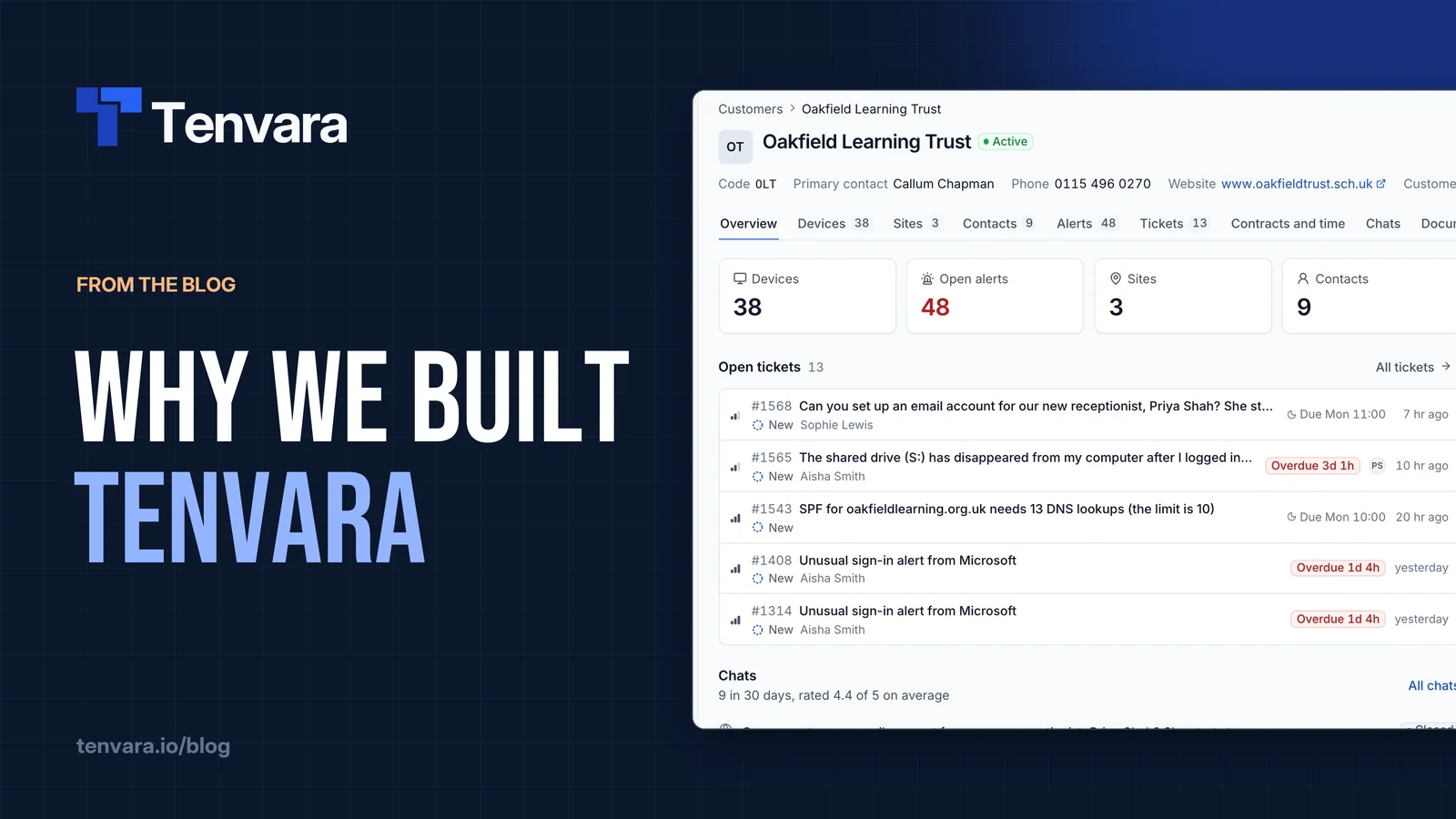
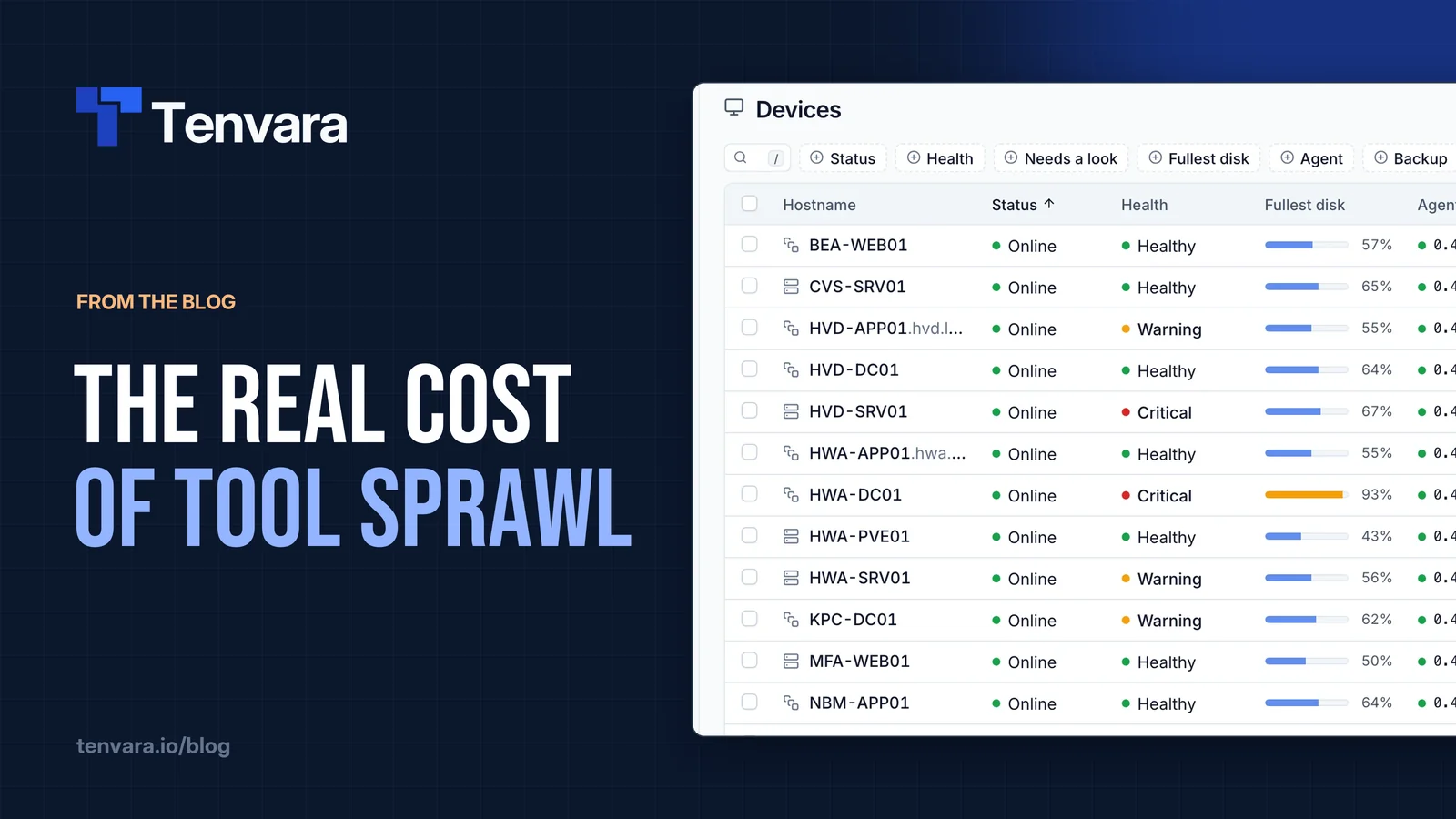
That means one customer record that everything hangs off, so there is nothing to copy between systems. A device page shows health, patches, software, backups and open alerts together, with Remote in a click away. Search in the top bar finds customers, contacts, devices, tickets and more from anywhere in the app.
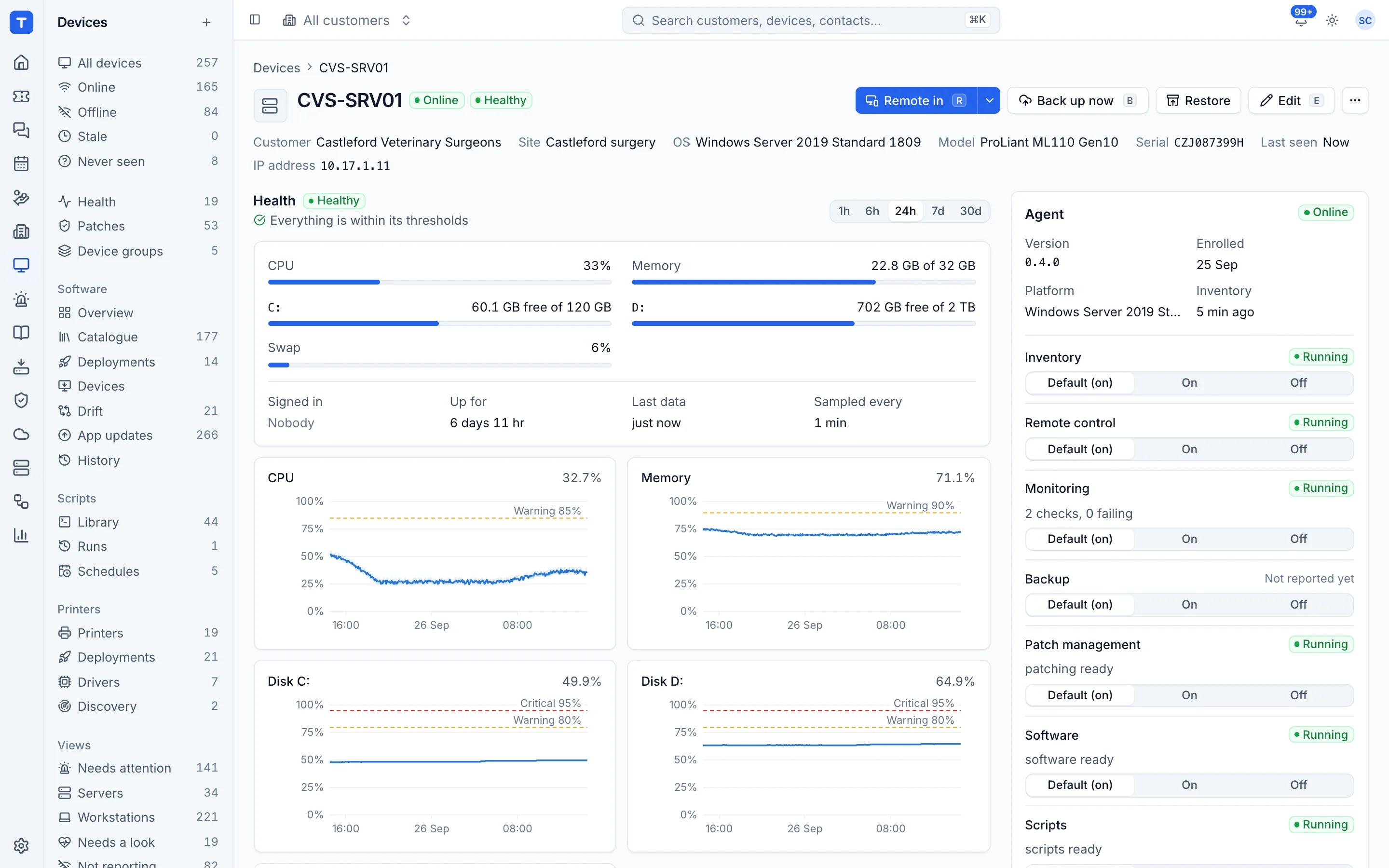
On the endpoint, there is one agent for Windows, macOS and Linux. Inventory, remote control, monitoring, patching, software, scripts, backup and security monitoring are modules inside it, switched on by policy, with no extra installs per feature. See installing the agent.
For your team, a new tech gets one account with one of three roles, plus per-area permissions if you need them, as described in roles and permissions. When they leave, you deactivate one account. You can see how the areas fit together on the product overview.
The bottom line
Tool sprawl is rarely one big bill. It is 20 minutes here, a mismatched customer name there, and an extra agent on every laptop. Add it up honestly and you will know whether it is worth tackling. If you want to see what one platform feels like, the free trial takes a few minutes to start.