Every MSP has had the moment. A tech is on site, the firewall needs a change, and the documented admin password is wrong. The network diagram shows a switch that was replaced two years ago. Someone remembers that Dave knew the alarm code, but Dave left in the spring.
Documentation does not fail because people are lazy. It fails because it lives somewhere nobody goes during the working day. Fix that, and most of the rest follows.
Why docs rot
Think about how a password actually changes. A tech is working a ticket, resets the account, and fixes the problem. The ticket gets closed. Updating the documentation is a separate job, in a separate place, and it is the first thing to slip when the queue is long.
A few other habits make it worse:
- Free text everywhere. One customer's network page is a tidy table, the next is three paragraphs and a screenshot. Nobody can tell at a glance what is missing.
- No owner. An article that belongs to everyone belongs to no one, so nobody checks it.
- Docs that sit apart from the thing they describe. If the server's login is in a different system from the server, you have to know to look for it.
- Passwords in shared spreadsheets. They get copied, emailed and never rotated, and you have no idea who has seen what.
Link everything to something real
The single biggest improvement is linking documentation to real customers, sites, contacts and devices. A page about "the server" is only useful if you already know where to find it. A record linked to the actual server turns up when someone opens that server.
This changes behaviour without anyone having to try. When the login for a backup console is on the backup server's page, the tech working an alert on that server sees it. When they change it, they change it right there. The doc is maintained because it is in the way of the work.
The same goes for tickets. If the article that fixed a problem last time appears on the new ticket, techs use it, notice when it is wrong, and fix it while the details are fresh.
Use templates for the facts
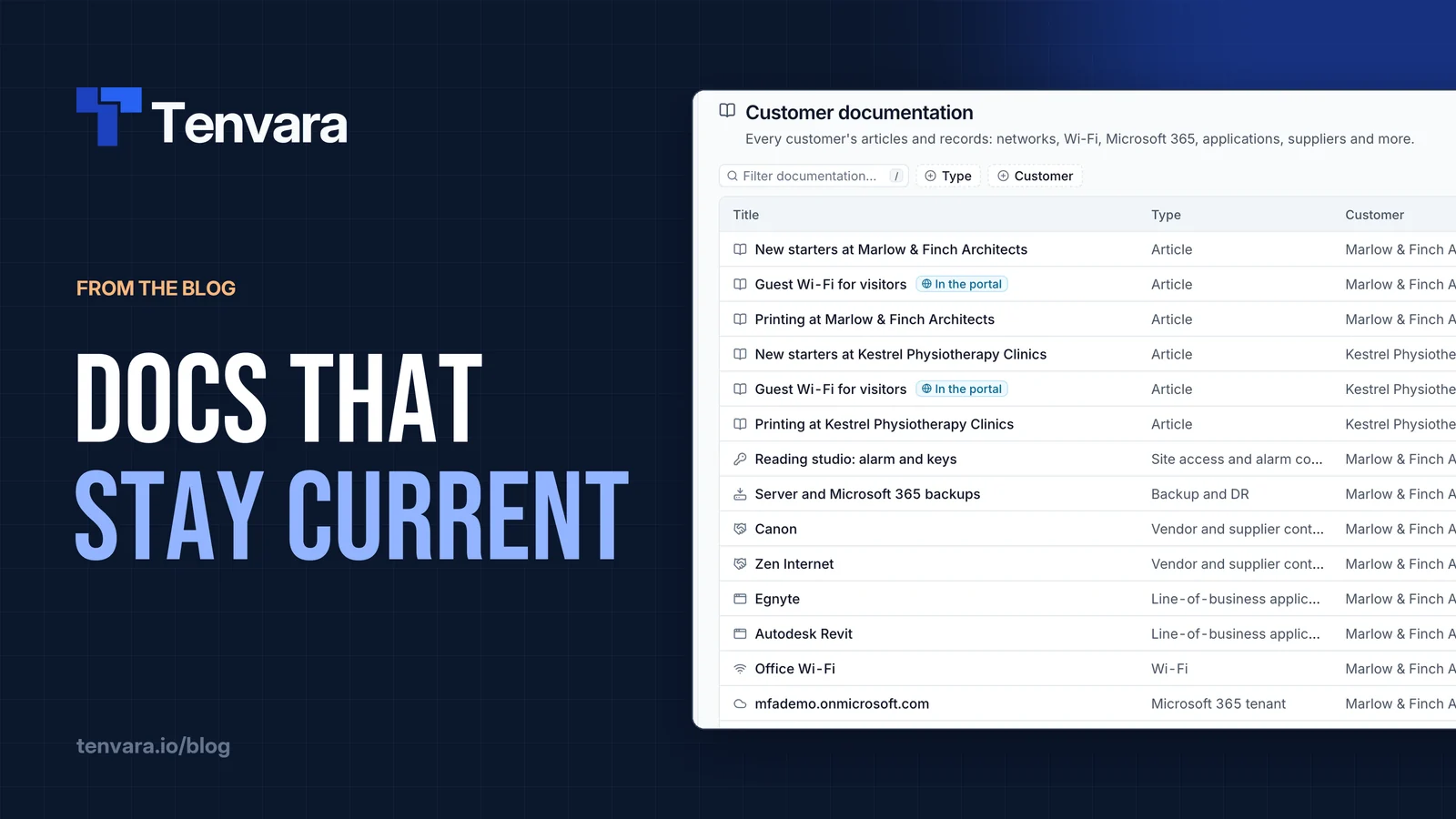
Most customer documentation is not prose. It is facts: subnets and VLANs, Wi-Fi networks, the Microsoft 365 tenant, line-of-business apps, suppliers, the backup plan, the alarm company and key holders. Facts belong in structured records built from templates, not in a blank page.
Templates do three useful things. They make every customer's documentation look the same, so a tech who has never visited a site knows where to look. They show gaps: an empty Wi-Fi record is obvious in a way a missing paragraph never is. And they let you check values, so an IP address field only takes an IP address.
Keep it simple. One template per kind of thing, one record per instance (one network record per site, rather than one for the whole customer), and sections to keep long forms readable. Keep narrative how-tos as articles and everything else as records.
Give every article an owner and a review date
Some documentation needs a human to read it now and again. For those articles, set an owner and a review date, and let the system nag the owner rather than hoping someone remembers. Quarterly works for most processes; a temporary workaround should have an expiry date so it stops being suggested once it is no longer true.
A monthly ten minutes in the team meeting is enough. Sort the overdue reviews by owner, and let each person take their own. It is dull, and it is the difference between a knowledge base people trust and one they ignore.
Treat passwords as a security question
Credentials are documentation, but they are also the most sensitive thing you hold. Store them encrypted, never in plain text, and make sure you can answer two questions at any time: who has seen this password, and who could?
That means an audit log of every reveal and copy, not just every change, and permissions that let people read articles without seeing passwords. Keep break-glass accounts such as a global admin or domain administrator to administrators only.
The audit log earns its place when someone leaves. Filter it by that person and you have the exact list of passwords they revealed or copied, which is the list you need to rotate. Without it, you are guessing, or rotating everything.
Make documentation part of the ticket workflow
The best documentation habit is not a documentation habit at all. It is a ticket habit:
- When you open a ticket, check the linked device and customer docs first.
- If you change a password, a setting or a supplier, update the record before you resolve.
- If you solved something tricky, link or write the article that would have helped you.
- If a customer asks the same question twice, write a plain-English help article they can find themselves.
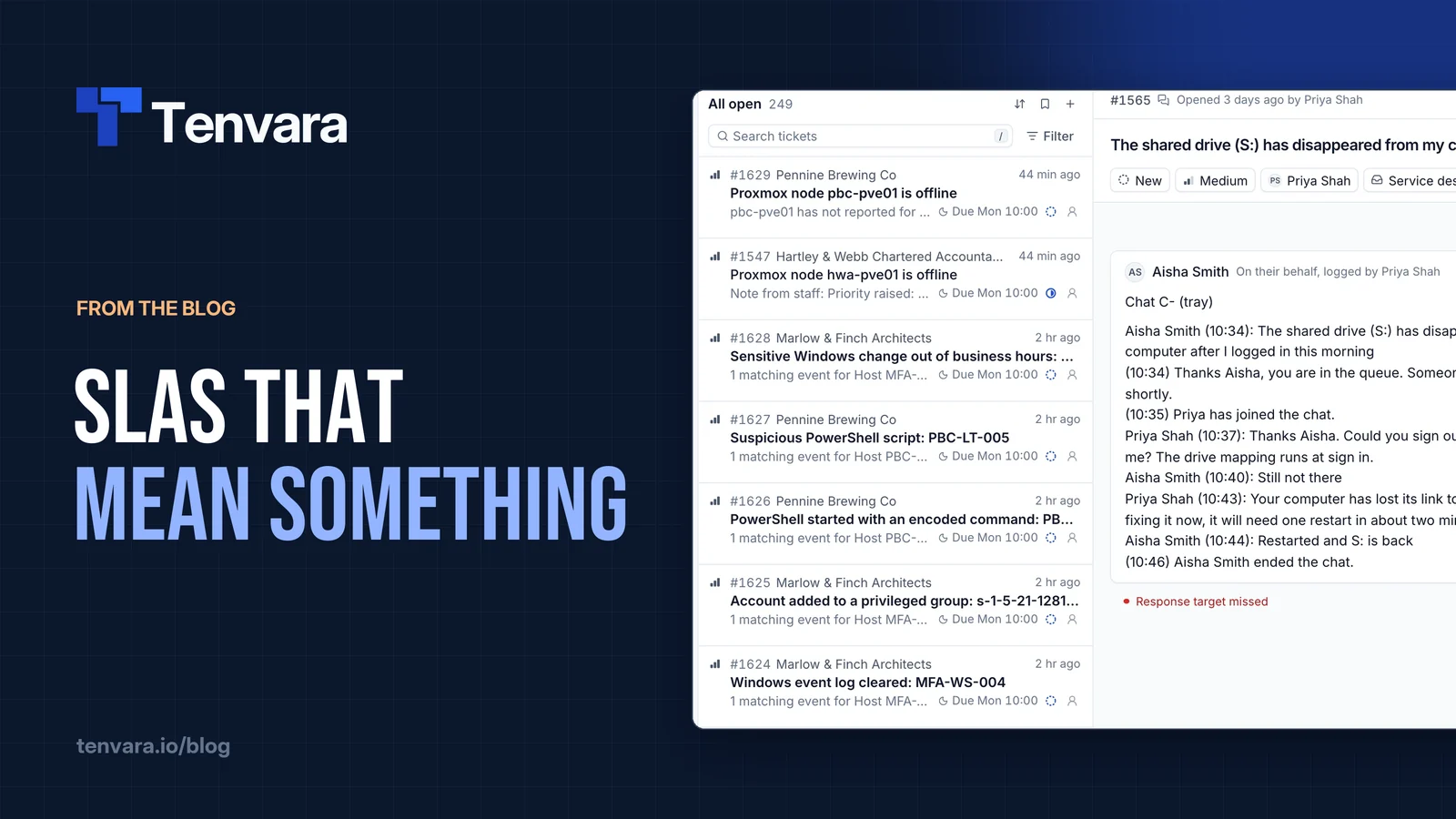
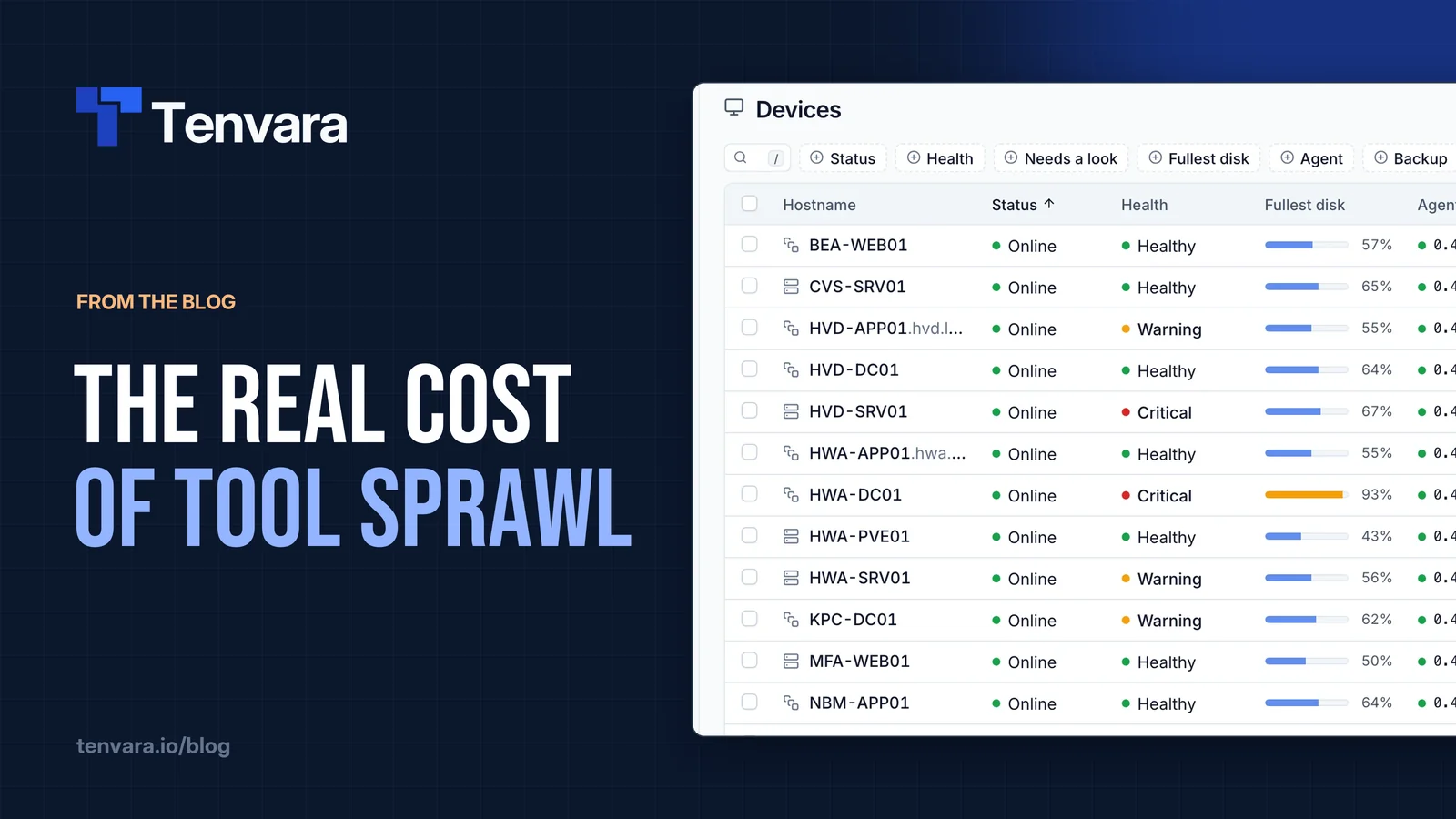
None of that works if documentation lives in a separate tool with a separate login. It is one of the costs we wrote about in the real cost of tool sprawl: every extra place to look is a place people stop looking.
How we handle it in Tenvara
In Tenvara, documentation is part of the same app as your tickets and devices. The Docs area holds knowledge base articles, customer articles, structured records and the credentials vault, and it all links to real customers, sites, contacts, devices and tickets. See the documentation overview.
Records are built from templates. Seven come built in (Network, Wi-Fi, Microsoft 365 tenant, Line-of-business application, Vendor and supplier contacts, Backup and DR, and Site access and alarm codes), and administrators can change them or build their own. A customer's Documentation tab shows one card per template, so an empty card shows exactly what is still to document.
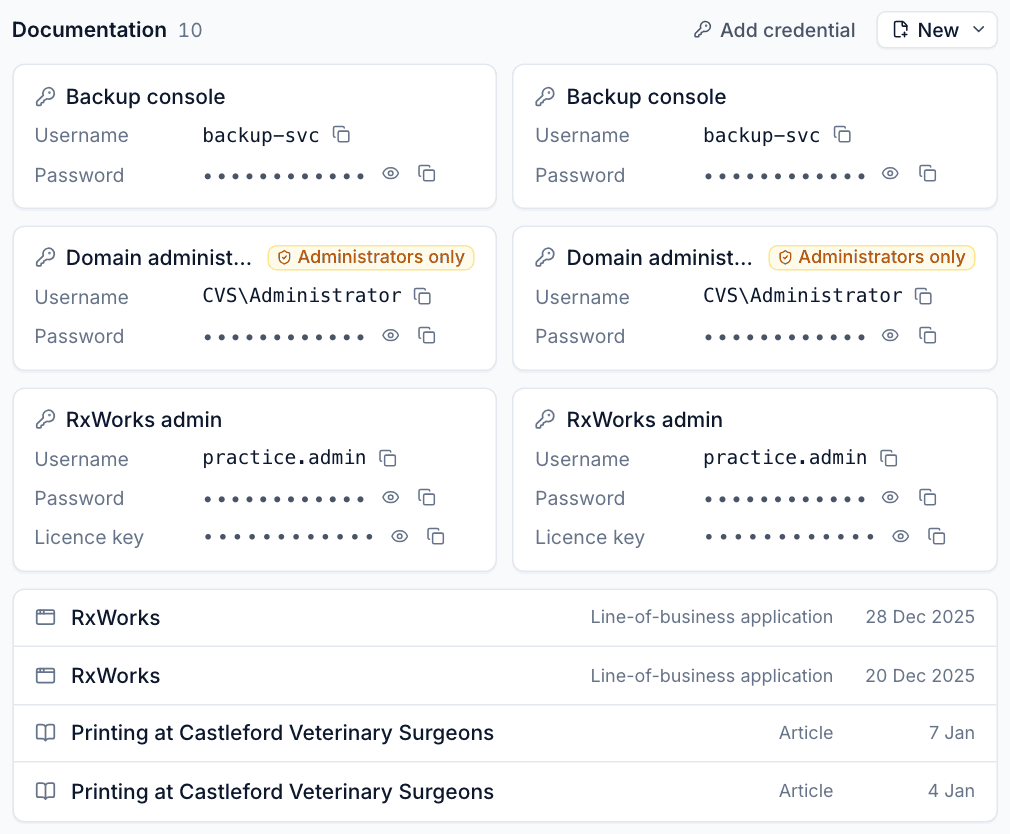
Linked credentials, records and articles appear on the device page, with reveal and copy buttons, so the login is in front of whoever is working on the machine. Secrets are encrypted one by one, never appear in lists or search, and every reveal, copy and two-factor code is written to the vault audit log. Credentials can be marked Administrators only for break-glass accounts. The details are in the credentials vault.
Articles can have an owner, a review date that repeats, and an expiry date. Owners get a reminder when a review is due, and the Review due list collects everything overdue or expiring. On a ticket, the Articles panel suggests matching articles, customer docs first, and lets you insert one into your reply or link it to the ticket. Articles you publish appear to customers as help articles in the portal. There is more on the documentation page.
Where to start
Do not try to document everything at once. Pick one customer, fill in their records from the templates, link the logins to the devices they belong to, and give their key articles an owner. Then make updating docs part of closing tickets. If you want to try that in Tenvara, it is launching soon. Get early access to apply for the beta, which includes the whole Docs area.