Compare: Proxmox and web hosting
cPanel and WHM alternative: Tenvara
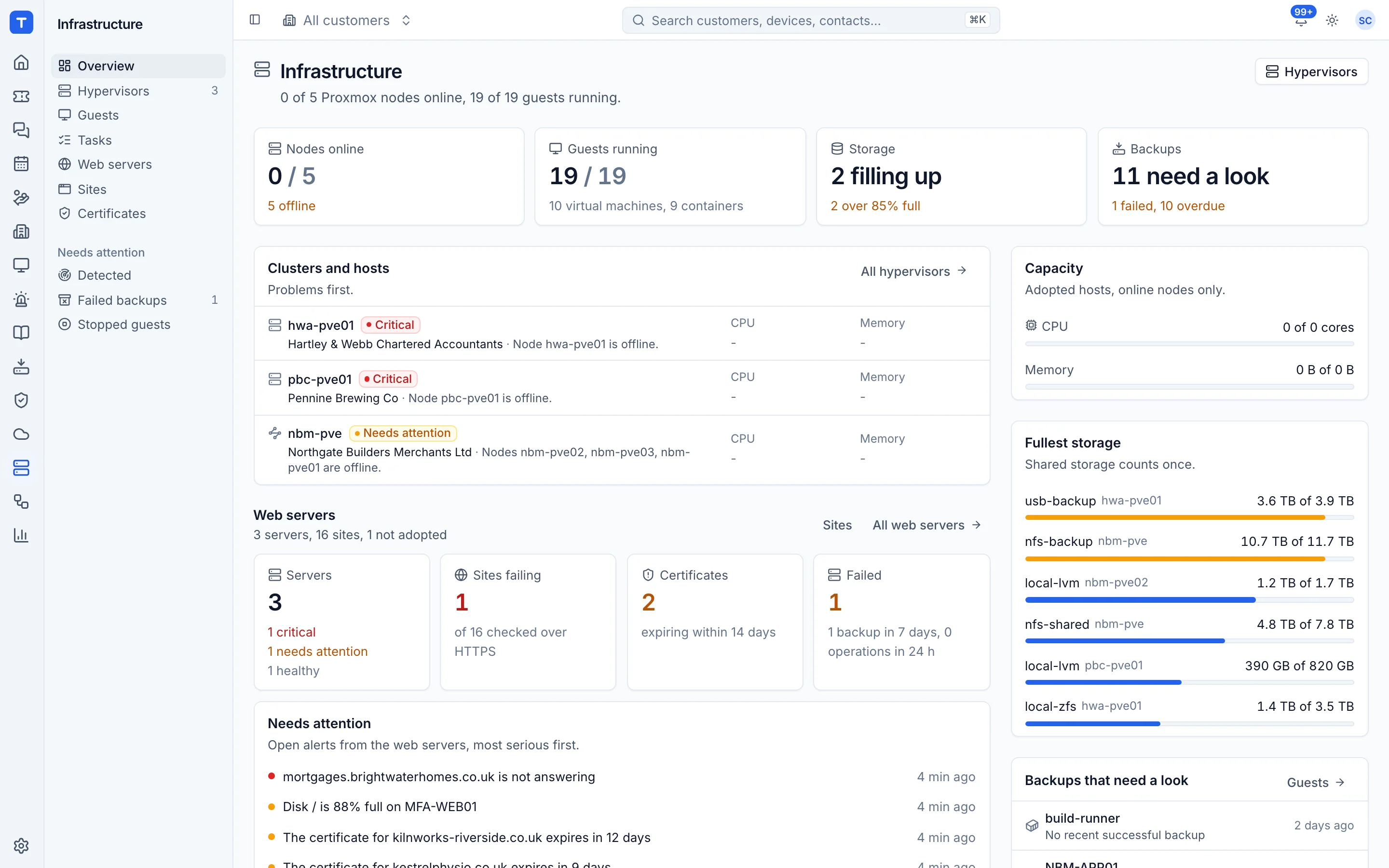
cPanel and WHM is a long-standing hosting control panel: WHM for the server and resellers, cPanel for each site owner, with email, DNS, databases and WordPress tools. MSPs who look after a few customer websites rarely need accounts, resellers and webmail. Tenvara runs the website side through the agent you already have on the server, with no panel to install, and turns site problems into alerts and tickets like everything else. If you sell hosting accounts with email, cPanel remains the better fit.
The tool today
What cPanel and WHM does
Hosting control panel with WHM for server admins and resellers, and cPanel for site owners. Made by cPanel. This is how the vendor describes it, in our words.
- WHM for server administration and reseller accounts, cPanel for each site owner.
- Email accounts, DNS management, databases and backups.
- SSL certificates with AutoSSL.
- WP Toolkit with staging, cloning, syncing and safe update testing.
- Git repository support and Node.js app hosting.
- Account migration from remote servers and custom branding for hosts.
Side by side
Tenvara vs cPanel and WHM
The Proxmox and web hosting jobs that matter most, and how each product handles them.
Create and manage websites
Accounts per site owner
SSL certificates
AutoSSL
Databases
Database management
Git deploys
Git repository support
WordPress management
WP Toolkit with staging and cloning
Site backups
Backups built in
Site, certificate and disk alerts into tickets
Resource usage and bandwidth monitoring
Add-on means the vendor sells it as a separate product or paid extra. cPanel and WHM details come from the vendor's own website, see sources.
The one-app pitch
What else you'd replace
Most MSPs running cPanel and WHM pay for several other tools beside it. Tenvara does these jobs too, on the same customer record, with one agent and one login.
See every comparisonSwitching
Moving from cPanel and WHM
A calm move, not a big bang. Run both side by side until your team is happy.
-
1
Build a server and install the agent
Site operations need Linux with nginx (Ubuntu 24.04 or Debian 12). Install the Tenvara agent the same way as on any server.
Installing the agent -
2
Adopt the server
An administrator adopts it, setting the backup folder and the contact email for certificates.
Web servers -
3
Create each site and move it across
Create the site with its runtime and domains, then bring the code in by a git deploy, an uploaded build or SFTP.
Creating and managing sites -
4
Point DNS and issue certificates
Once DNS points at the new server, issue a Let's Encrypt certificate from the site page. Renewals then run by themselves.
Creating and managing sites -
5
Move email and DNS elsewhere first
Tenvara does not host email or DNS, so move them to Microsoft 365 or your DNS provider before you retire the cPanel server.
cPanel and WHM pricing
cPanel and WHM publishes its prices on its website. Check its pricing page for current prices and terms.
Vendor pricing pageTenvara pricing
One subscription, per technician or per endpoint, hosted or self-hosted, with every feature in every plan.
See pricingQuestions
cPanel and WHM vs Tenvara: FAQ
Tenvara reports and checks sites on Apache servers, including certificates and HTTPS checks, but only runs site operations on nginx.
More Proxmox and web hosting comparisons
See Tenvara next to cPanel and WHM.
A 30 minute walkthrough of the real product. Bring your list of what you use today and we'll show you where each part lives in Tenvara, and where it doesn't.
Comparison based on publicly available information as of September 2026. cPanel and WHM is a trademark of its owner; Tenvara is not affiliated with it. Spotted something out of date? Tell us and we'll correct it.
Sources