Compare: Remote access
ScreenConnect alternative: Tenvara
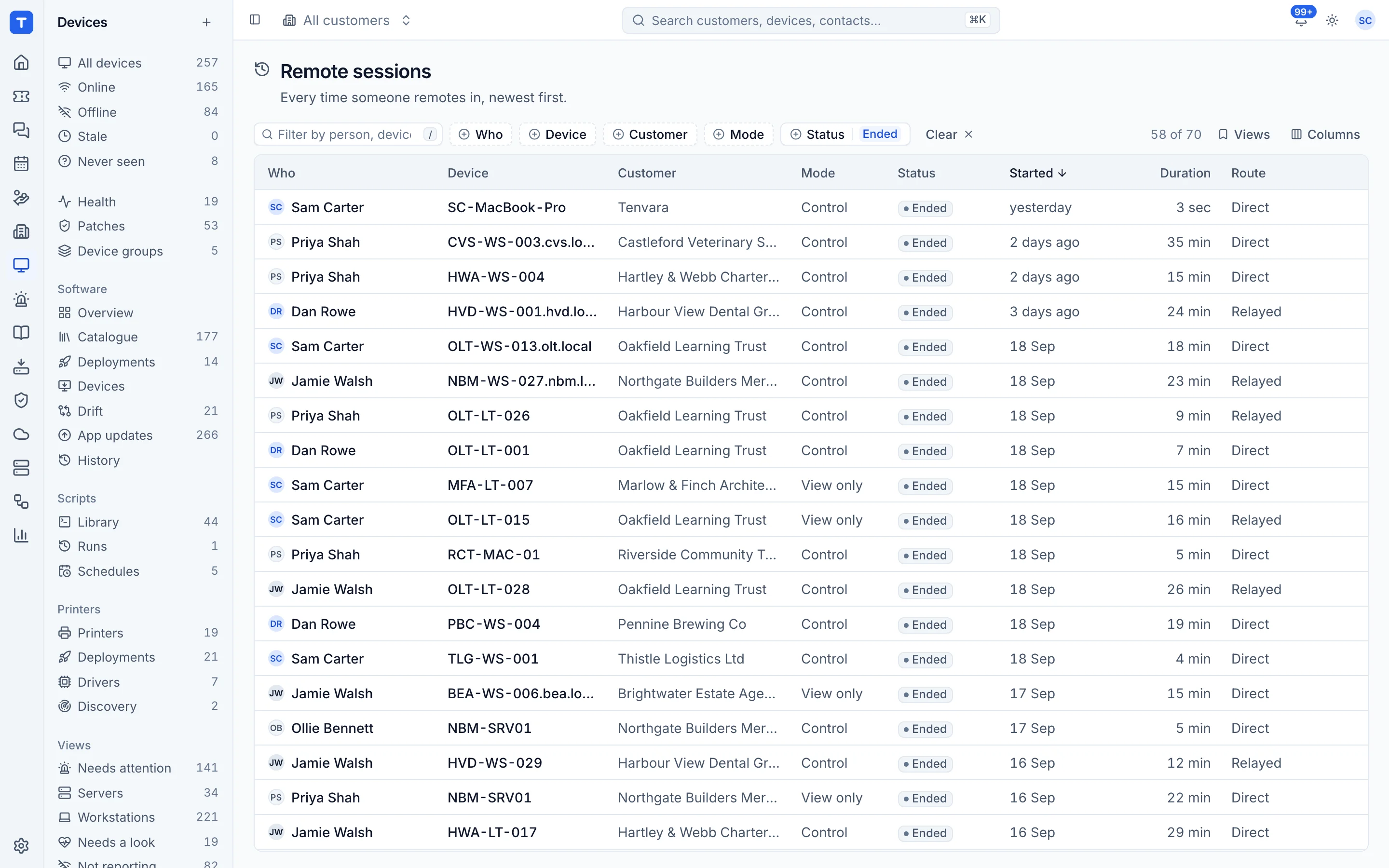
ScreenConnect is a remote support tool many MSPs use for both quick support sessions and always-on access to managed machines. Tenvara builds remote control into the same agent that does monitoring, patching and scripts, so you can remote in from a device, a ticket or a chat without a second tool. It suits MSPs who mostly support devices they already manage.
The tool today
What ScreenConnect does
Remote support and unattended access for help desks and MSPs, cloud or on premises. Made by ConnectWise. This is how the vendor describes it, in our words.
- Attended support sessions: the guest runs a small client and joins with a code, with nothing installed beforehand.
- Unattended access agents for round the clock access to desktops, laptops and servers.
- Backstage, a remote command line and a toolbox for working without disturbing the user.
- Session recording, Wake-on-LAN and iOS and Android guest clients on the Standard plan and above.
- Cloud hosting or on-premises, with an extension library of more than 100 integrations.
Side by side
Tenvara vs ScreenConnect
The remote access jobs that matter most, and how each product handles them.
Unattended access to managed devices
Unlimited access agents on Standard and above
User consent options
Attended sessions need the user to join
Session log
Custom reports
Remote in from a ticket or chat
From a ticket with ConnectWise PSA
Tickets, monitoring and patching
ConnectWise PSA and RMM sold separately
Self-hosting
On-premises or cloud
Add-on means the vendor sells it as a separate product or paid extra. ScreenConnect details come from the vendor's own website, see sources.
The one-app pitch
What else you'd replace
Most MSPs running ScreenConnect pay for several other tools beside it. Tenvara does these jobs too, on the same customer record, with one agent and one login.
See every comparisonSwitching
Moving from ScreenConnect
A calm move, not a big bang. Run both side by side until your team is happy.
-
1
Set up customers and sites
There is no automatic import from ScreenConnect. Add your customers and sites first, as each agent enrols to one.
Customers, sites and contacts -
2
Choose how users are asked
Pick connect straight away, tell the user, or ask first, to match what you agreed with each customer.
Devices and agent -
3
Deploy the agent alongside
Install the Tenvara agent next to your ScreenConnect agent with the one-line command or your deployment tool. On Macs, approve Screen Recording and Accessibility.
Installing the agent -
4
Run both side by side, then switch
Use Tenvara for day to day sessions and keep ScreenConnect for any ad-hoc or mobile work you still need it for.
ScreenConnect pricing
ScreenConnect publishes pricing from USD 45 per concurrent technician per month, billed annually, for the Standard plan. A smaller One plan and a Premium plan are also listed.
Vendor pricing pageTenvara pricing
One subscription, per technician or per endpoint, hosted or self-hosted, with every feature in every plan.
See pricingQuestions
ScreenConnect vs Tenvara: FAQ
Yes. Set remote session consent to ask the user first, and the person at the device must approve before the session starts.
More remote access comparisons
See Tenvara next to ScreenConnect.
A 30 minute walkthrough of the real product. Bring your list of what you use today and we'll show you where each part lives in Tenvara, and where it doesn't.
Comparison based on publicly available information as of September 2026. ScreenConnect is a trademark of its owner; Tenvara is not affiliated with it. Spotted something out of date? Tell us and we'll correct it.
Sources