Compare: Billing, reporting and automation
PagerDuty alternative: Tenvara
PagerDuty is a widely used incident management platform that many MSPs rely on to wake the right engineer out of hours. Tenvara has on-call rotas, cover, escalation policies and paging built in, driven by the same alerts and tickets your team already works. For MSPs whose monitoring and service desk live in Tenvara, that removes a separate tool and a separate set of schedules.
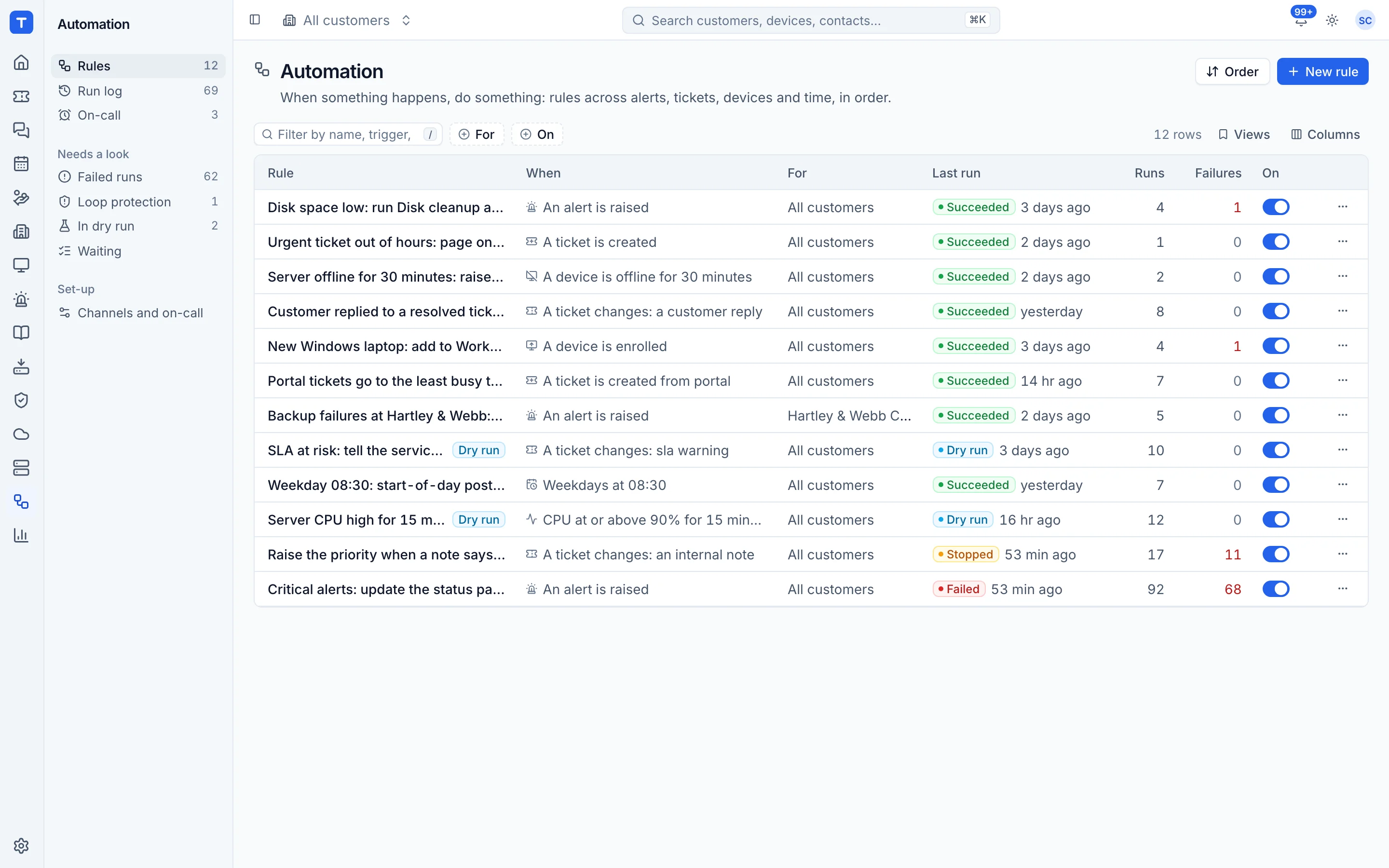
The tool today
What PagerDuty does
Incident management and on-call paging with schedules, escalation and a large integration library. Made by PagerDuty. This is how the vendor describes it, in our words.
- On-call schedules with templates such as weekly hand-off and follow the sun.
- Escalation policies that page the next responder when nobody acknowledges.
- Notifications by phone call, SMS, email, push and messaging tools.
- A mobile app for responding to incidents.
- Hundreds of integrations with monitoring, chat and ticketing tools, and status pages.
Side by side
Tenvara vs PagerDuty
The billing, reporting and automation jobs that matter most, and how each product handles them.
On-call rotas
Schedules with ready-made patterns
Cover and swaps
Self-serve schedule changes
Escalation policies
Escalate when nobody acknowledges
Email, text, Teams and Slack
SMS, email and messaging tools
Add-on means the vendor sells it as a separate product or paid extra. PagerDuty details come from the vendor's own website, see sources.
The one-app pitch
What else you'd replace
Most MSPs running PagerDuty pay for several other tools beside it. Tenvara does these jobs too, on the same customer record, with one agent and one login.
See every comparisonSwitching
Moving from PagerDuty
A calm move, not a big bang. Run both side by side until your team is happy.
-
1
Set up notification channels
Add Teams, Slack and text message channels, and have each engineer set how they want to be paged.
Notifications and channels -
2
Build your rotas
Recreate your PagerDuty schedules as rotas, with the same hand-over times and time zone.
On-call rotas and paging -
3
Add escalation policies
Set up levels and wait times, and choose a default policy for critical alerts and urgent tickets.
On-call rotas and paging -
4
Send test pages, then switch
Use Send a test page so everyone checks their phone, run both for a week, then turn off PagerDuty.
PagerDuty pricing
PagerDuty prices by quote, with some starting figures on its website. Check its pricing page for current prices.
Vendor pricing pageTenvara pricing
One subscription, per technician or per endpoint, hosted or self-hosted, with every feature in every plan.
See pricingQuestions
PagerDuty vs Tenvara: FAQ
In the inbox, on Home, or through a one-click link in the email, text, Teams or Slack message.
More billing, reporting and automation comparisons
See Tenvara next to PagerDuty.
A 30 minute walkthrough of the real product. Bring your list of what you use today and we'll show you where each part lives in Tenvara, and where it doesn't.
Comparison based on publicly available information as of September 2026. PagerDuty is a trademark of its owner; Tenvara is not affiliated with it. Spotted something out of date? Tell us and we'll correct it.
Sources