The first month with a new client sets the tone for years. Get it right and they stop wondering whether they made the right call. Get it wrong and every small problem after that gets read as proof that they didn't.
Most MSPs have an onboarding checklist. Far fewer have one that gets finished. It starts strong on day one, stalls somewhere around "document the network", and six months later a tech finds out the hard way that the backups were never tested.
Why checklists die half done
The checklist itself is rarely the problem. The problem is that it is a document, not a set of jobs. A document has no owner, no due date and nobody chasing it. The easy items get ticked in the first week, and the awkward ones sit there looking at everyone.
Three habits fix most of it:
- Every item has one owner. Not "the team", a named person. If two people own it, nobody does.
- Every item has a due date relative to the start date, so "week one" means an actual day.
- Items live where the work lives. If your techs spend their day in tickets, turn each phase into tickets, assigned and due. A separate spreadsheet will be forgotten by Thursday.
Keep a single onboarding lead too. They own the list and chase it.
Before day one
This is the paperwork and access phase. Skip it and week one becomes a week of waiting.
- Contract signed, with the scope, included hours and what is out of scope written down.
- Key contacts agreed: a primary contact, the person who approves spend, and who is allowed to request what. Ask who should get the monthly report and satisfaction surveys.
- Admin access: global admin or equivalent for the Microsoft 365 tenant, domain registrar, DNS, firewall, Wi-Fi controller, line-of-business app vendors. Get the outgoing provider's handover in writing, including any accounts only they know about.
- Microsoft 365 tenant consent for your tools, done early. Consent often needs the client's own admin, and chasing it on day three wastes a day.
- A start date the client has agreed to, with their staff told what is happening.
Week one: get eyes on everything
- Roll out the agent to every workstation and server. Use one install method for the whole estate so nothing is missed, then compare the device count against what the client thinks they have. The difference is always interesting.
- Discovery: hardware, operating systems, installed software, warranty dates if you can get them.
- Backups on, then a test restore. Not "backups configured": a real file brought back and opened. Do it for servers, key workstations and Microsoft 365 mail and files. A backup you have never restored from is a hope, not a backup.
- Patch policy set and agreed: when updates install, when machines restart, and who to warn. We covered the thinking in Patch Tuesday without the panic.
- Monitoring baseline: start with sensible defaults, then spend the first week tuning out the noise before it trains everyone to ignore alerts. Alert fatigue has more on that.
- Security first look: MFA coverage, admin accounts, risky sign-ins and email authentication.
Documentation
Write it down while the discovery is fresh.
- Sites: addresses, opening hours, who has keys, alarm details.
- Network: ranges, VLANs, firewall, Wi-Fi, internet connection and supplier.
- Credentials, stored in a proper vault and linked to the device or service they belong to, never in a spreadsheet.
- Key contacts and suppliers: who to call for the phones, the printers, the line-of-business app.
Use the same template for every client so gaps stand out. Documentation that stays current goes into why that matters.
Service: show them how to work with you
This is the part MSPs most often skip, and it is the part the client actually sees.
- Portal access for the right people, with a short email showing where it is and how to sign in.
- How to raise a ticket: portal, email and phone, and which one to use when something is on fire.
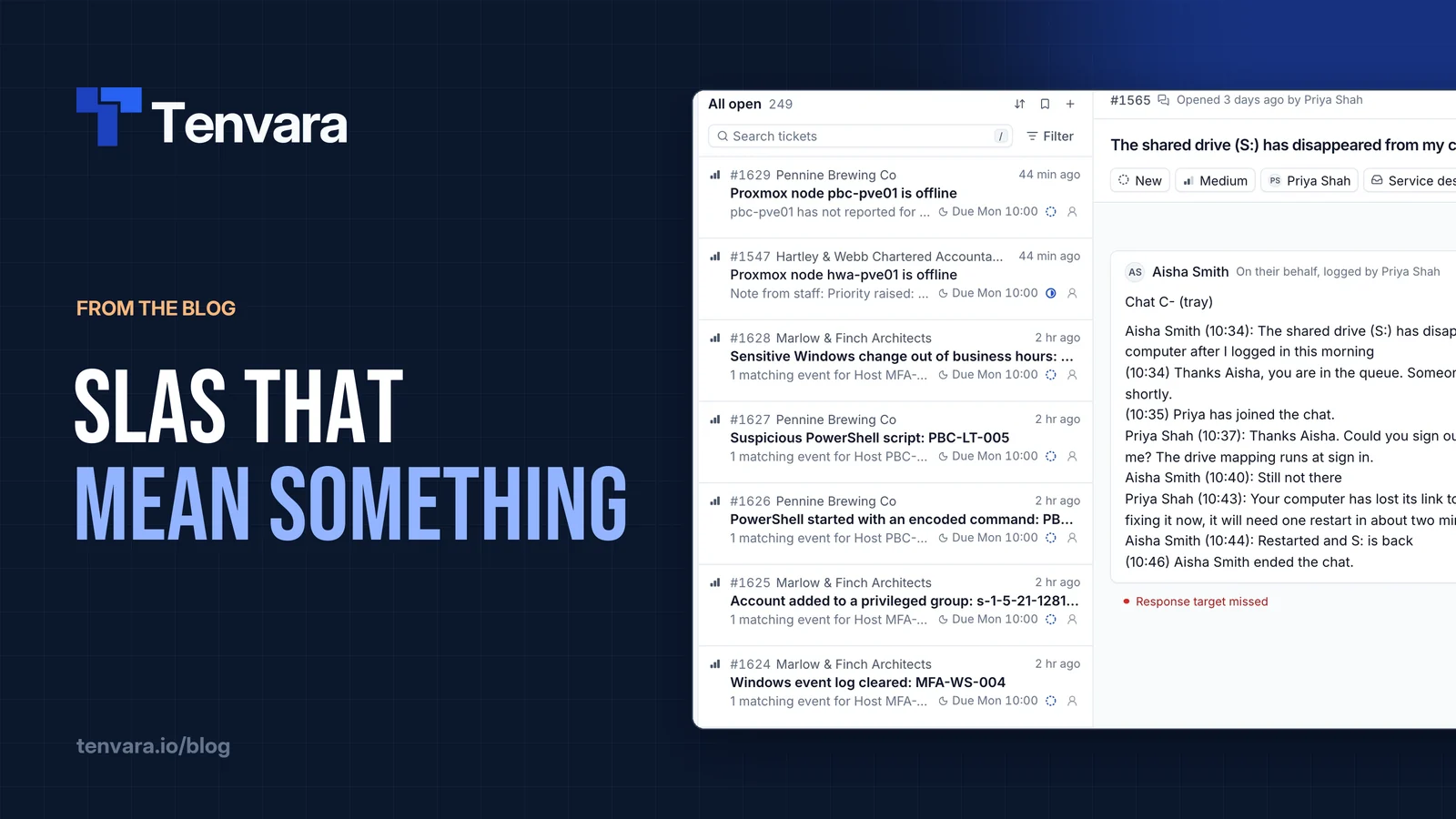
- SLAs explained in plain English: what "priority 2, four working hours" means for them, and when the clock stops. See SLAs that mean something.
- A welcome call with the primary contact to walk through all of it.
The 30 day review
Book it on day one. Sit down with the client and go through what you found, what you fixed, what still needs a decision (usually spending money), and how the first month of tickets went. Then close the checklist properly: anything left open gets an owner and a date, or is consciously dropped.
How we handle it in Tenvara
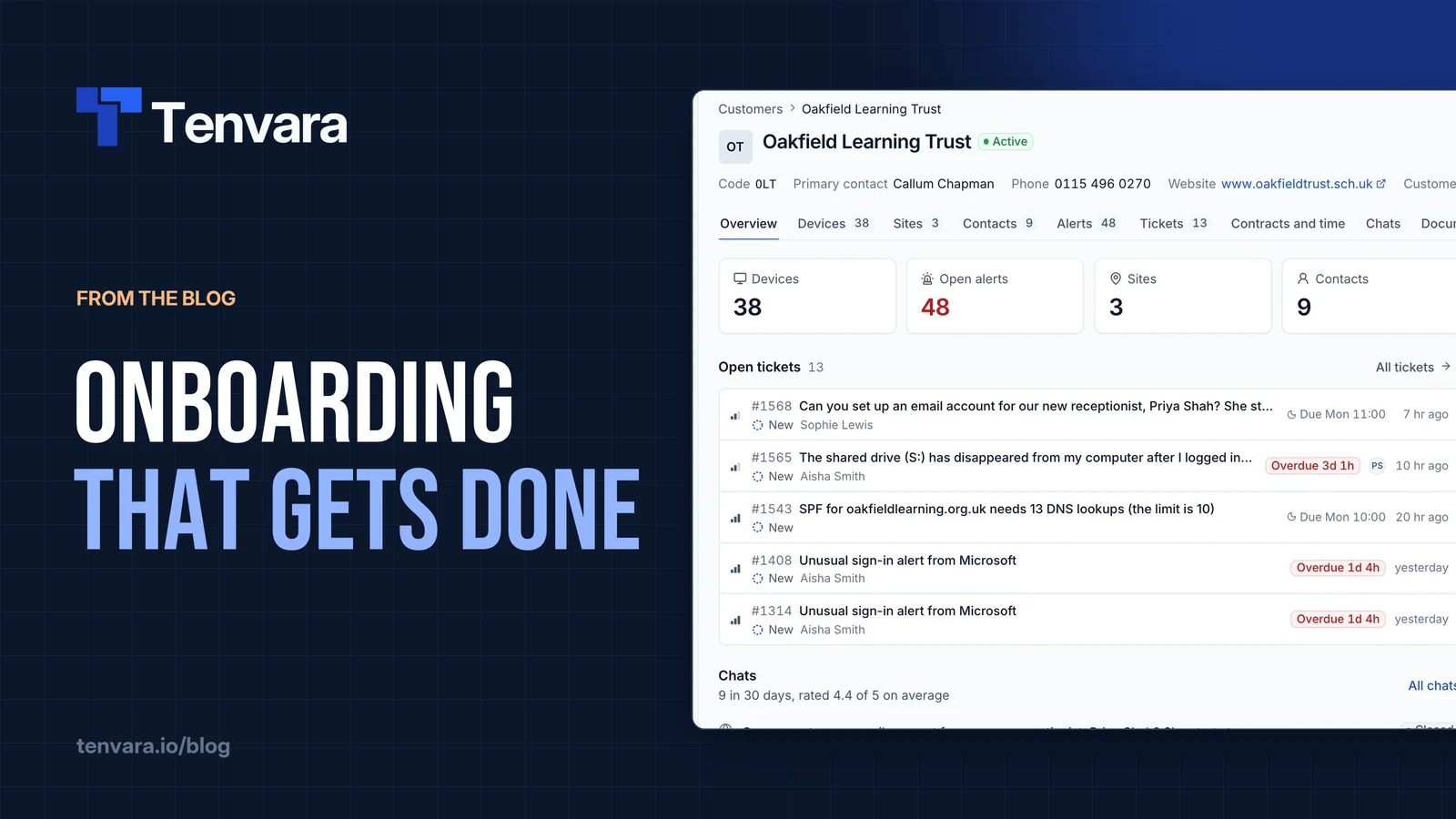
In Tenvara, a new client starts as a customer with the Onboarding status, so the customer list can show everyone still being onboarded apart from the rest. Their sites, contacts and devices hang off that one record, and contacts can be flagged as Primary contact or Decision-maker, the people asked the Net Promoter Score question. See customers, sites and contacts.
Microsoft 365 is connected with an admin consent link you send to the client's global admin, or through GDAP if you are a partner. The first sync reads the directory, licences, security settings, mailboxes and sign-ins, so the security first look can start as soon as consent is given.
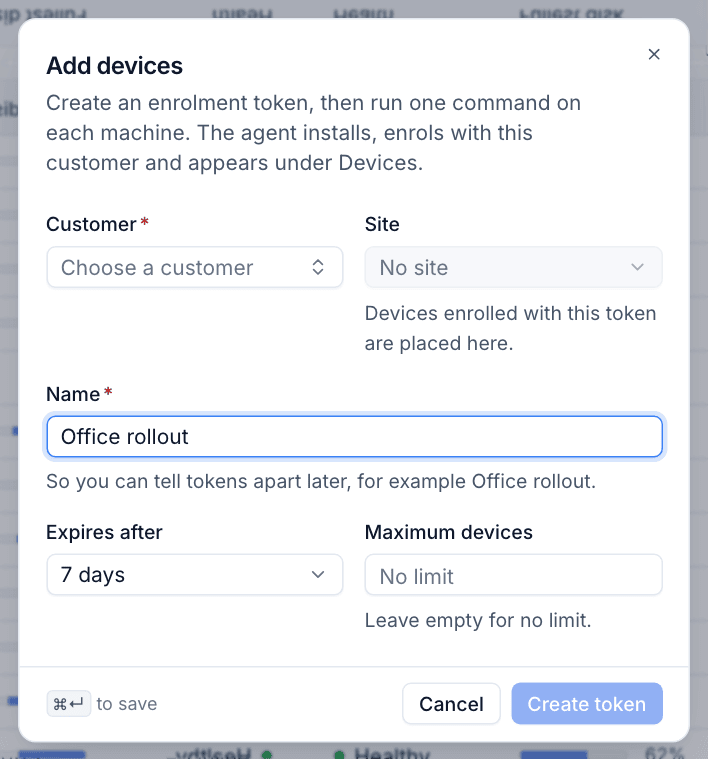
For the agent, you create an enrolment token for the customer (and optionally a site), with an expiry and a device limit if you want one. The same one-line command works from Intune or any tool that can run a script, and every device lands on the right customer from the moment it connects. The install guide has the details, and one agent, one install explains why we built it that way.
Once devices report in, their hardware and software show on each device page. The backup Devices list has a Not protected view you can filter by customer, so you can protect a new client's machines in one go, and every restore uses the same steps whether it is a file on a laptop or a mailbox. Patch and monitoring policies can be set per customer, over the defaults.
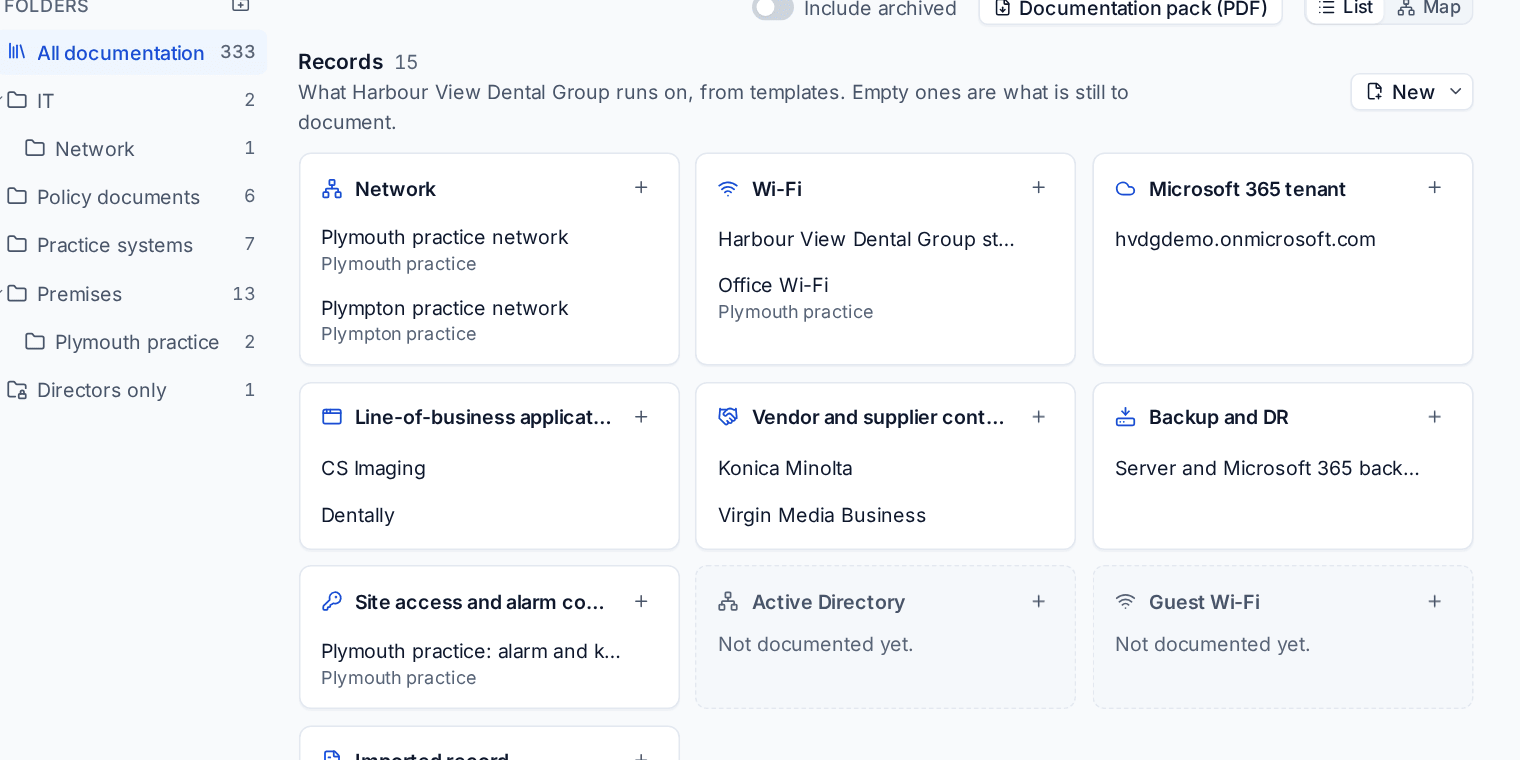
For documentation, the customer's Documentation tab shows one card per record template, so an empty card is a gap you can see. Credentials sit in the encrypted vault, linked to the devices they belong to.
Portal access is set per contact, showing either their own tickets or every ticket for the company. Contacts sign in with an emailed link, so there are no passwords to hand out. Priorities carry SLA targets counted in your business hours.
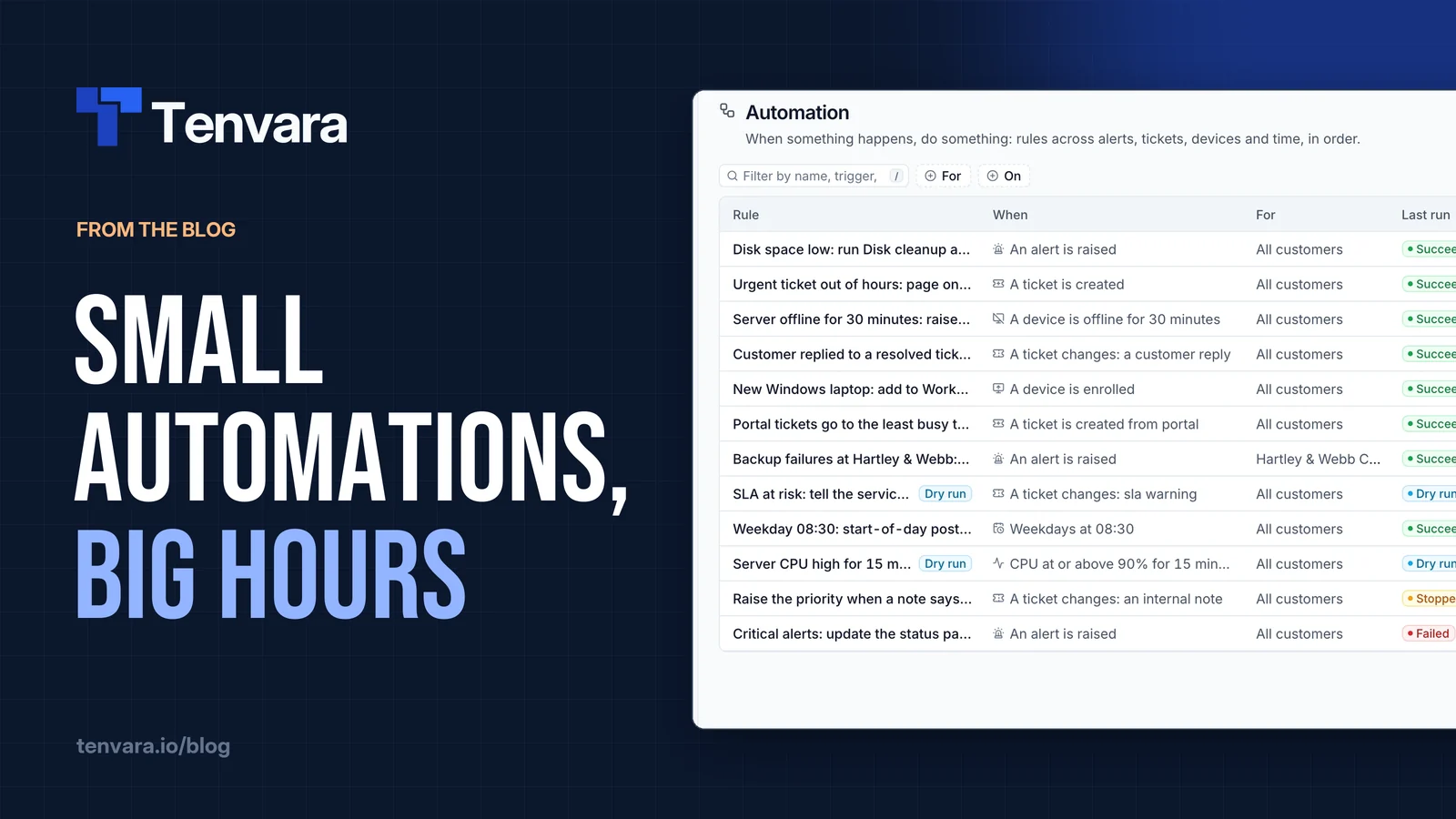
To keep the checklist moving, an automation rule can run on a schedule for customers matching the Onboarding status and open a check ticket for each one. By the 30 day review, the customer's health score gives you one number with the parts behind it: backups, patching, security, SLA and satisfaction. There is more on the service desk page.
Finish it
The best onboarding checklist is the one with names and dates next to every line. Start with the phases above, make them tickets with owners, and book the 30 day review before you do anything else. If you want to try it in Tenvara, it is launching soon. Get early access to apply for the beta, which has everything in this post.