Compare: Portal, chat, feedback and scheduling
Thread alternative: Tenvara
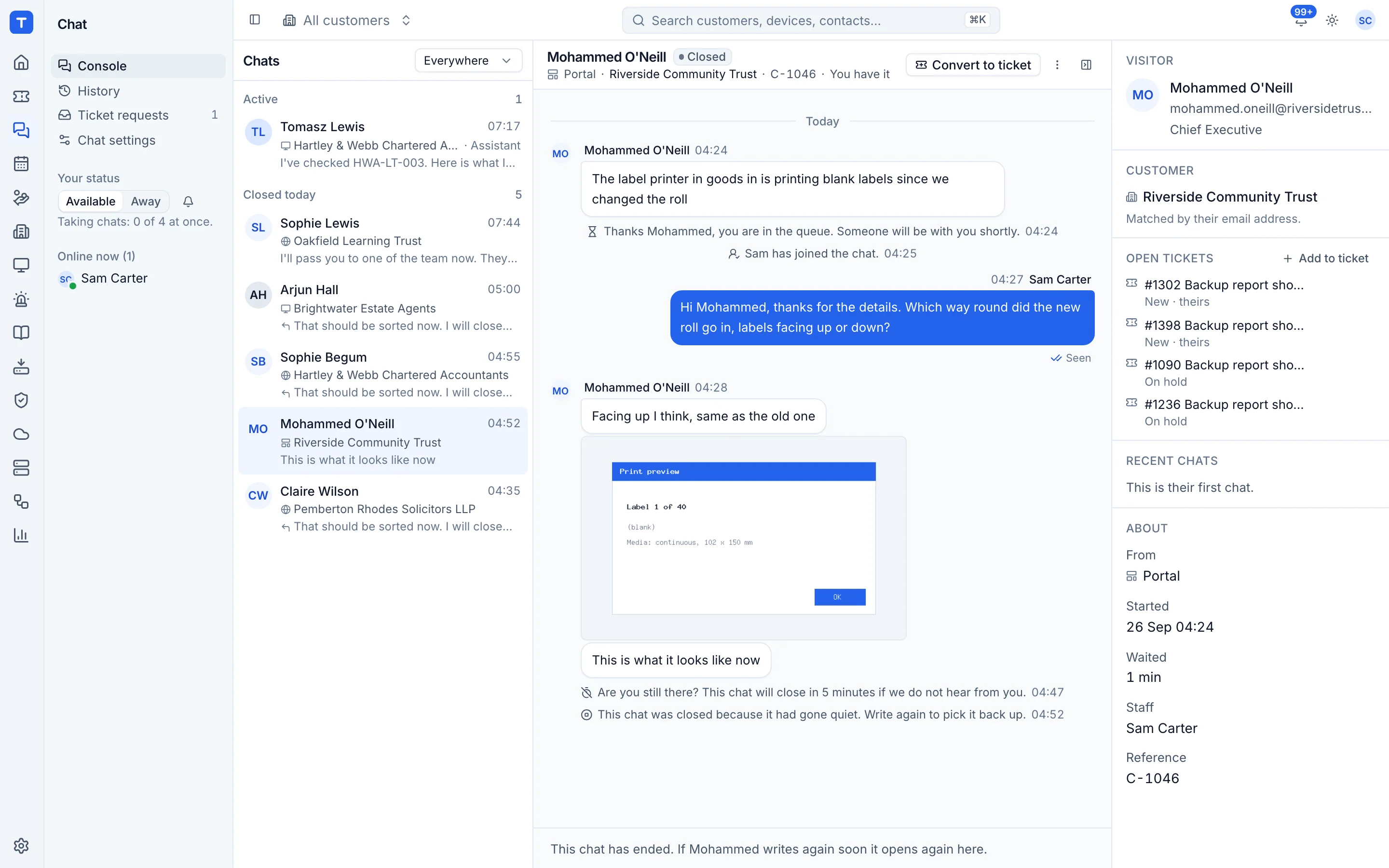
Thread gives MSPs a service desk inbox, chat in the tools customers already use and AI that triages and answers requests, all synced to a PSA. Tenvara builds live chat into the same app as tickets and devices, so a chat from a managed computer arrives with the device attached and becomes a ticket in one step. MSPs look at Tenvara when they would rather run one platform than a PSA with a chat layer on top.
The tool today
What Thread does
An AI service desk and chat layer that works alongside your PSA, in Teams and Slack. Made by Thread. This is how the vendor describes it, in our words.
- Chat with clients in Microsoft Teams, Slack, a web widget or a desktop app.
- An inbox where conversations and tickets come together for technicians.
- AI triage that sets ticket title, category and priority.
- AI agents that call, chat and email with clients to resolve simple issues.
- Voice AI that answers and transcribes calls into tickets.
- Syncs with ConnectWise, Autotask, HaloPSA and Kaseya BMS.
Side by side
Tenvara vs Thread
The portal, chat, feedback and scheduling jobs that matter most, and how each product handles them.
Live chat on your website
Web chat widget
Chat from a managed computer
Desktop chat app
Chats become tickets
Logged in your PSA
One console for technicians
Inbox for conversations and tickets
AI answers chats first
AI agents and triage
Chat ratings
AI CSAT from conversation sentiment
Add-on means the vendor sells it as a separate product or paid extra. Thread details come from the vendor's own website, see sources.
The one-app pitch
What else you'd replace
Most MSPs running Thread pay for several other tools beside it. Tenvara does these jobs too, on the same customer record, with one agent and one login.
See every comparisonSwitching
Moving from Thread
A calm move, not a big bang. Run both side by side until your team is happy.
-
1
Set up customers, sites and contacts
There is no import from Thread or your PSA, so add customers and contacts in Tenvara so chats can be matched to them.
Customers, sites and contacts -
2
Add the website widget
Create a widget for your own site, set allowed websites and paste the one-line embed code.
Website widget, portal and tray -
3
Deploy the agent for tray chat
Install the Tenvara agent alongside your current tools so users get Chat with support on their computer.
Installing the agent -
4
Set hours and timings
Set opening hours, closed days and what happens to chats nobody takes.
Chat settings -
5
Run both side by side, then switch
Tell customers about the new chat options, then retire the old channels once they have moved.
Thread pricing
Thread publishes its prices on its website. Check its pricing page for current prices and terms.
Vendor pricing pageTenvara pricing
One subscription, per technician or per endpoint, hosted or self-hosted, with every feature in every plan.
See pricingQuestions
Thread vs Tenvara: FAQ
More portal, chat, feedback and scheduling comparisons
See Tenvara next to Thread.
A 30 minute walkthrough of the real product. Bring your list of what you use today and we'll show you where each part lives in Tenvara, and where it doesn't.
Comparison based on publicly available information as of September 2026. Thread is a trademark of its owner; Tenvara is not affiliated with it. Spotted something out of date? Tell us and we'll correct it.
Sources