Compare: Portal, chat, feedback and scheduling
CloudRadial alternative: Tenvara
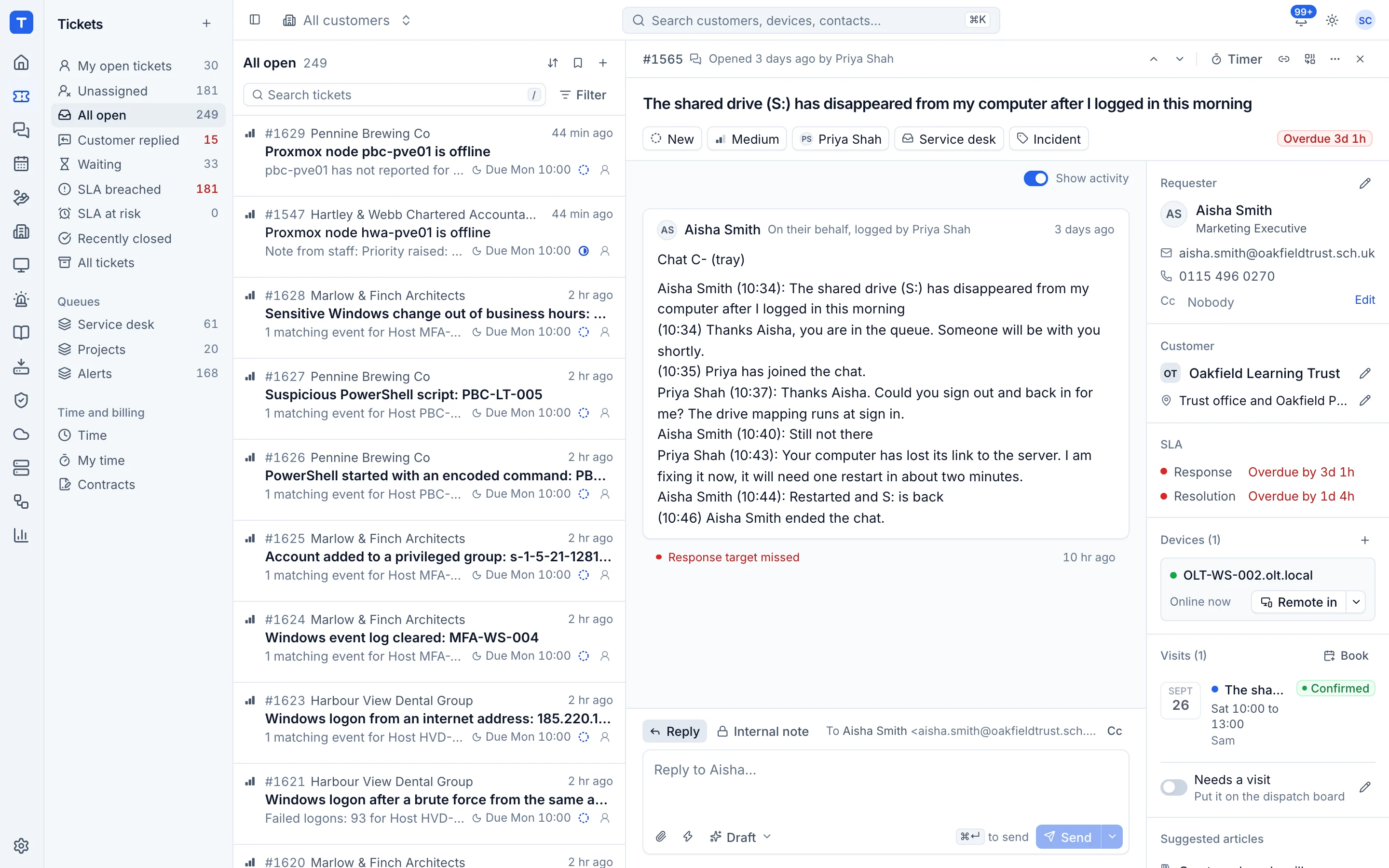
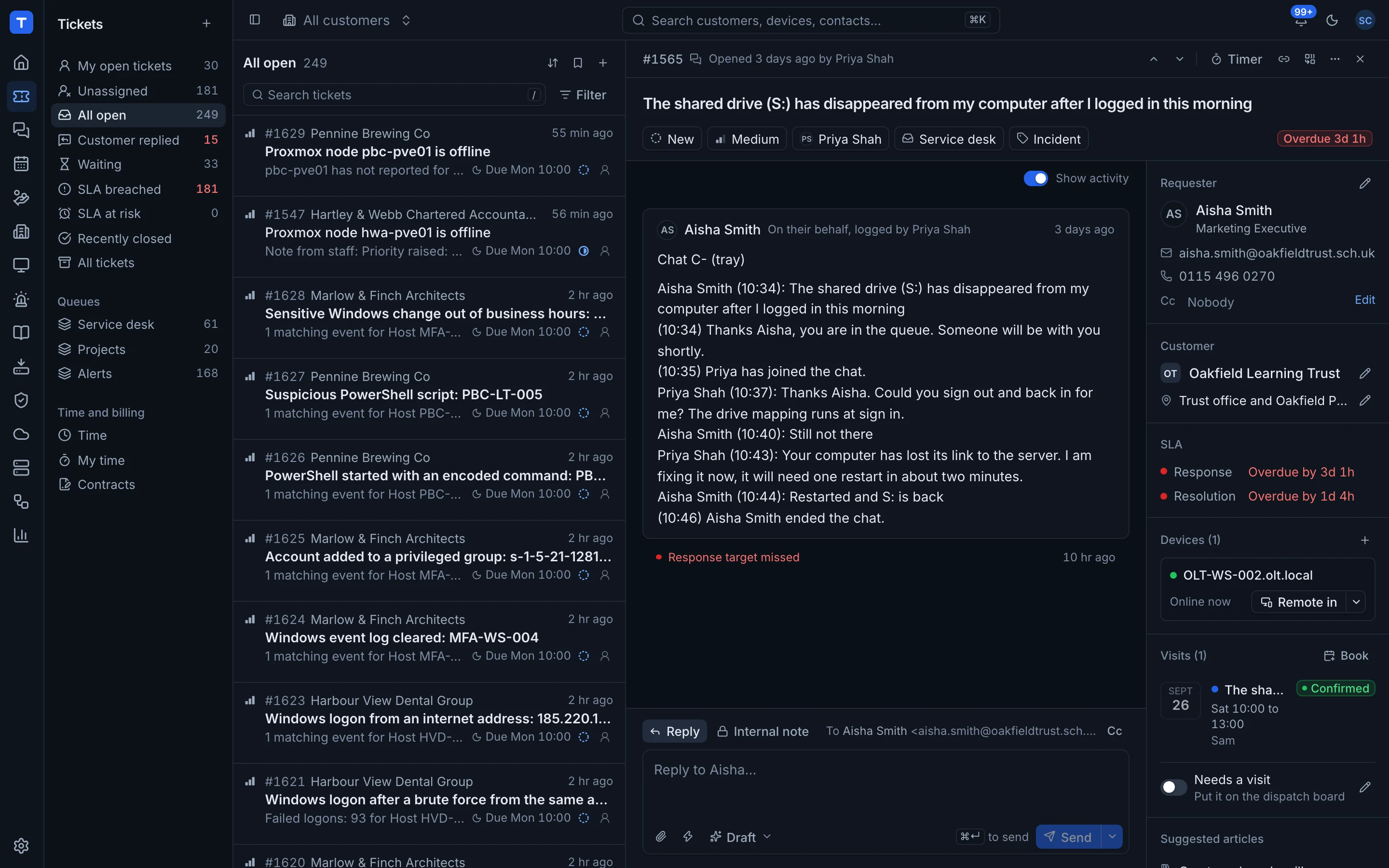
CloudRadial is a client portal that MSPs put in front of their PSA, so customers raise tickets, order services and read reports in one branded place. Tenvara takes a different route: the portal is part of the same app as your tickets, devices, quotes and reports, so there is nothing to sync. MSPs look at Tenvara when they want one tool instead of a PSA plus a portal on top.
The tool today
What CloudRadial does
A white-labelled client portal for MSPs that sits on top of your PSA. Made by Azurative LLC. This is how the vendor describes it, in our words.
- A white-labelled client portal for ticket submission and ticket status.
- A service catalogue where users can order services, with dynamic forms and approvals.
- Onboarding and offboarding forms that feed tickets into your PSA.
- On-demand reports, QBRs and compliance assessments from live data.
- Available in a browser, inside Microsoft Teams or as a branded desktop app.
- Connects to ConnectWise, Autotask, Kaseya BMS, Syncro and HaloPSA.
Side by side
Tenvara vs CloudRadial
The portal, chat, feedback and scheduling jobs that matter most, and how each product handles them.
Customers raise and follow tickets
Tickets flow into your PSA
Sign-in for customer contacts
Branded portal sign-in
Self-help articles
Knowledge base and training in the portal
Reports for customers
On-demand reports and QBRs
Quotes accepted online
Service ordering from the catalogue
Live chat with your team
ChatAI intake in Teams, Slack, portal and web
Add-on means the vendor sells it as a separate product or paid extra. CloudRadial details come from the vendor's own website, see sources.
The one-app pitch
What else you'd replace
Most MSPs running CloudRadial pay for several other tools beside it. Tenvara does these jobs too, on the same customer record, with one agent and one login.
See every comparisonSwitching
Moving from CloudRadial
A calm move, not a big bang. Run both side by side until your team is happy.
-
1
Set up customers, sites and contacts
There is no import from CloudRadial or your PSA, so add your customers and the contacts who use the portal in Tenvara.
Customers, sites and contacts -
2
Turn on the portal and name it
Set the portal name to your company, decide whether new contacts get access, and share the address.
Customer portal settings -
3
Publish your help articles
Recreate the self-help articles customers use most and publish them to the portal.
Documentation on tickets and in the portal -
4
Invite contacts and switch over
Send sign-in invitations, run both portals side by side for a while, then point customers at Tenvara.
The customer portal
CloudRadial pricing
CloudRadial publishes its prices on its website. Check its pricing page for current prices and terms.
Vendor pricing pageTenvara pricing
One subscription, per technician or per endpoint, hosted or self-hosted, with every feature in every plan.
See pricingQuestions
CloudRadial vs Tenvara: FAQ
Their tickets, quotes, monthly reports, published help articles, chat with your team and their profile. They sign in with an emailed link.
More portal, chat, feedback and scheduling comparisons
See Tenvara next to CloudRadial.
A 30 minute walkthrough of the real product. Bring your list of what you use today and we'll show you where each part lives in Tenvara, and where it doesn't.
Comparison based on publicly available information as of September 2026. CloudRadial is a trademark of its owner; Tenvara is not affiliated with it. Spotted something out of date? Tell us and we'll correct it.
Sources