Compare: PSA and service desk
Kaseya BMS alternative: Tenvara
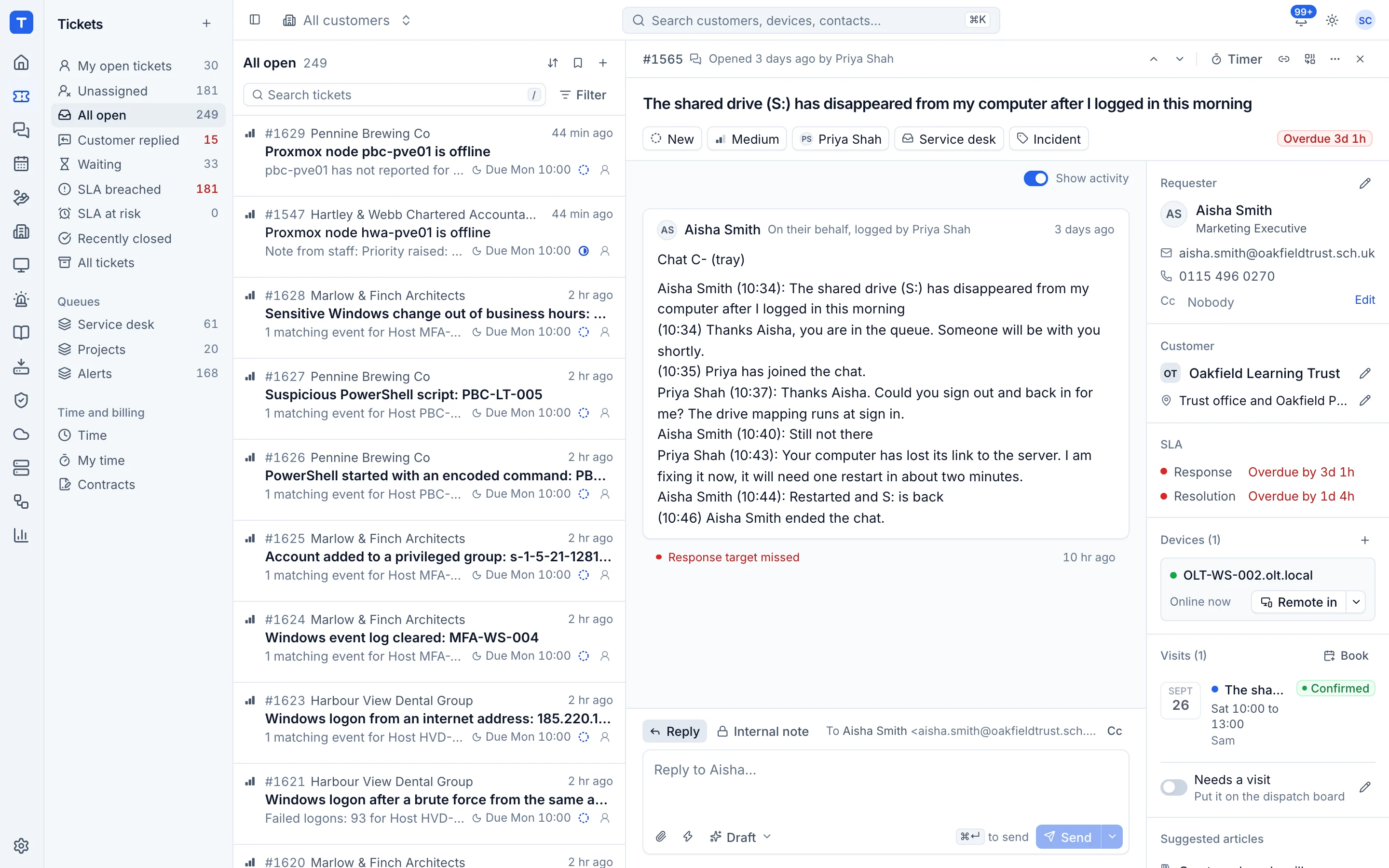
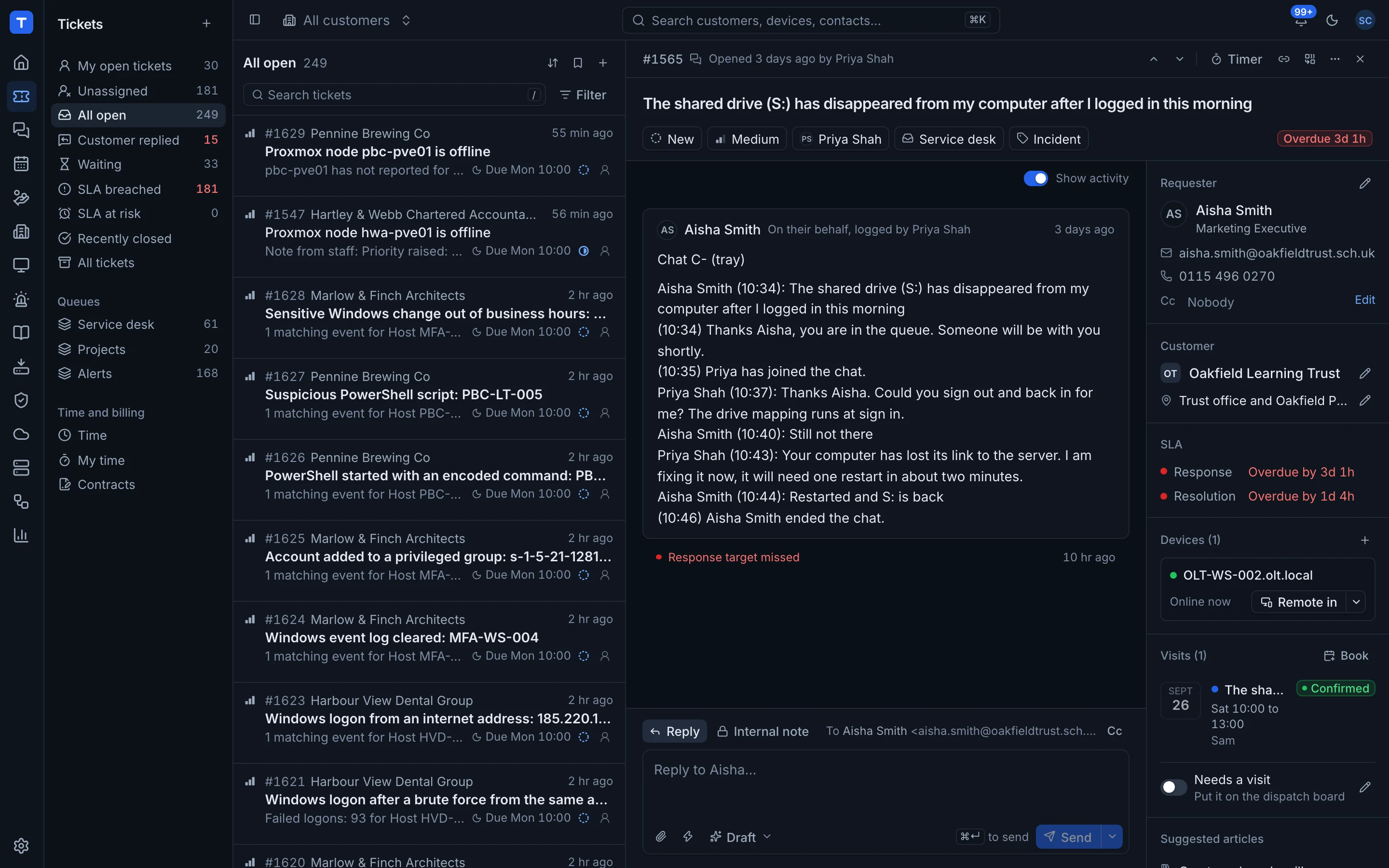
Kaseya BMS is a cloud PSA that brings the service desk, projects, finance, CRM and HR into one system, usually alongside Kaseya VSA or Datto RMM. Kaseya still supports BMS and points customers towards Autotask as its main PSA. MSPs look at Tenvara when they want the service desk and the RMM, backup and Microsoft 365 tools in one app, with one agent.
The tool today
What Kaseya BMS does
A cloud PSA covering service desk, projects, finance, CRM and HR. Made by Kaseya. This is how the vendor describes it, in our words.
- A service desk with ticket automation, escalation and AI summaries.
- Project management with progress and resource tracking.
- Finance with contracts and automated billing for time, expenses, products and recurring services.
- CRM with opportunities and quotes, including distributor pricing integrations.
- A client portal where customers track their tickets, contracts and invoices.
- HR, reporting and a dedicated API for integrations.
Side by side
Tenvara vs Kaseya BMS
The PSA and service desk jobs that matter most, and how each product handles them.
Service desk with automation
Ticket automation and escalation
Client portal
Tickets, contracts and invoices
Time and expenses
Time and expense tracking
Quotes
CRM quotes with distributor pricing
Remote monitoring and management
Kaseya VSA or Datto RMM, sold separately
Scheduling and dispatch
Resource scheduling and allocation
Add-on means the vendor sells it as a separate product or paid extra. Kaseya BMS details come from the vendor's own website, see sources.
The one-app pitch
What else you'd replace
Most MSPs running Kaseya BMS pay for several other tools beside it. Tenvara does these jobs too, on the same customer record, with one agent and one login.
See every comparisonSwitching
Moving from Kaseya BMS
A calm move, not a big bang. Run both side by side until your team is happy.
-
1
Set up customers, sites and contacts
There is no automatic import from BMS, so add your customers, their sites and the contacts who raise tickets. Contact email addresses matter, as mail is matched on them.
Customers, sites and contacts -
2
Recreate contracts
Add each customer's monthly fee, included hours and overage rate as a contract, so time counts against it from day one.
Contracts and the Xero export -
3
Point your support mailbox at Tenvara
Connect your Microsoft 365 support mailbox so new mail becomes tickets. Finish open tickets in BMS while new ones land in Tenvara.
Email to ticket and alert rules -
4
Deploy the agent alongside your RMM
Install the Tenvara agent next to VSA or Datto RMM, so monitoring, patching and remote control are ready before you switch.
Installing the agent -
5
Run both side by side, then switch
Run a billing cycle or two in parallel, check the Xero export against your usual invoices, then switch off the old tools.
Kaseya BMS pricing
Kaseya does not publish BMS pricing; it is by quote.
Tenvara pricing
One subscription, per technician or per endpoint, hosted or self-hosted, with every feature in every plan.
See pricingQuestions
Kaseya BMS vs Tenvara: FAQ
Kaseya says BMS remains supported, while Autotask gets most of its new development. If you are planning a move anyway, it is a good moment to compare options.
More PSA and service desk comparisons
See Tenvara next to Kaseya BMS.
A 30 minute walkthrough of the real product. Bring your list of what you use today and we'll show you where each part lives in Tenvara, and where it doesn't.
Comparison based on publicly available information as of September 2026. Kaseya BMS is a trademark of its owner; Tenvara is not affiliated with it. Spotted something out of date? Tell us and we'll correct it.
Sources