Compare: ITSM for IT teams
Zendesk for internal IT alternative: Tenvara
Zendesk sells an employee service edition of its Suite for IT, HR and other internal teams, with ITSM features such as a service catalogue, approvals and IT asset management. IT teams look at Tenvara when they want a service desk built around the estate it looks after: the agent on every computer, patching, remote control, Microsoft 365, backup and security, in one app with one login.
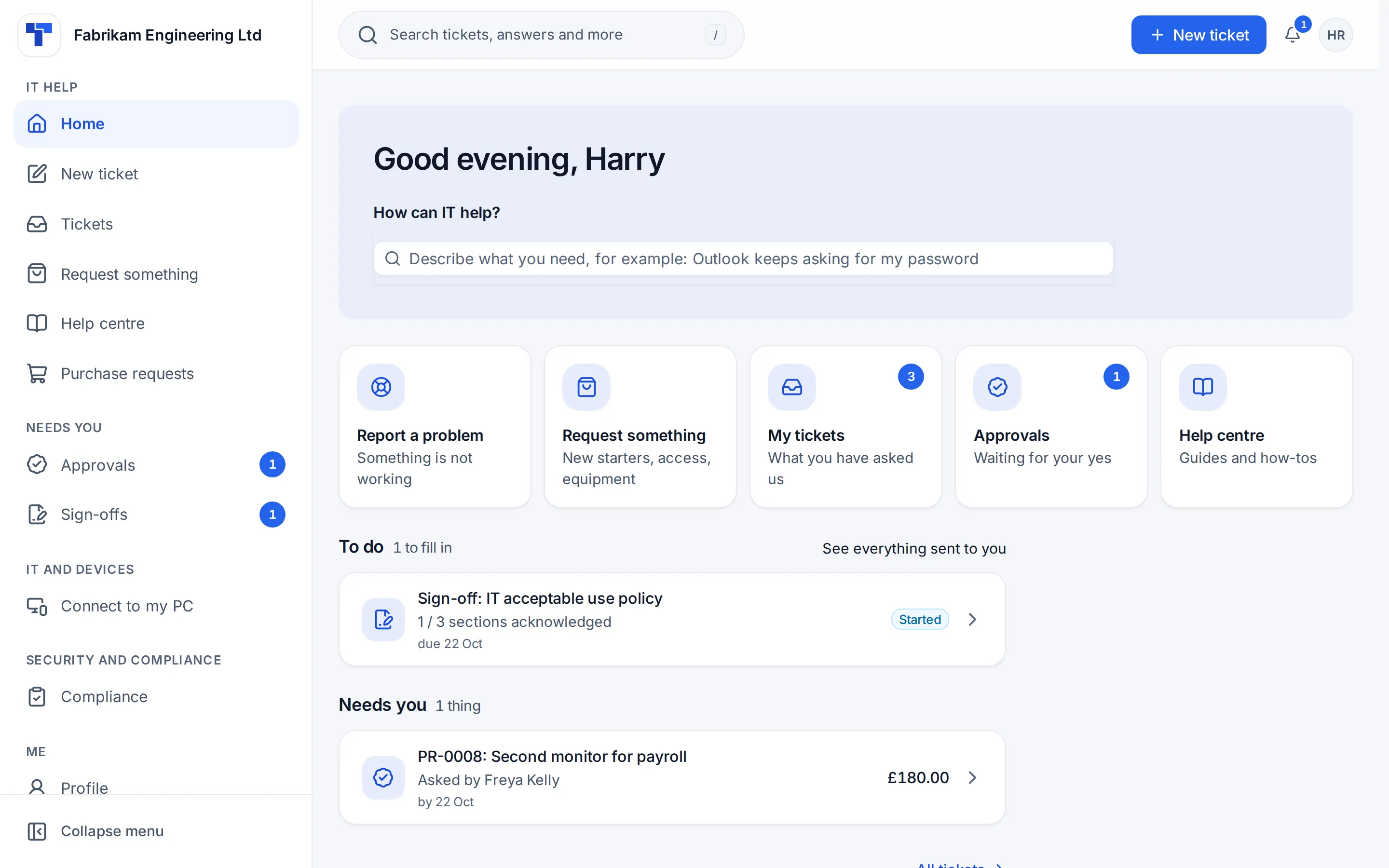
The tool today
What Zendesk for internal IT does
Zendesk's employee service and ITSM offering for IT, HR and other internal teams. Made by Zendesk. This is how the vendor describes it, in our words.
- Tickets from email, Slack, Microsoft Teams and a help centre with conversational search.
- A service catalogue, task management and built-in approvals on Suite Growth and above.
- Problem and incident tickets, and change workflows with task templates.
- Native IT asset management, with Jamf and Intune connectors.
- AI agents, Copilot as an add-on, prebuilt dashboards and a mobile app.
Side by side
Tenvara vs Zendesk for internal IT
The IT service management jobs that matter most, and how each product handles them. Then what else comes with Tenvara, such as RMM, remote access and patching, in the same app.
Incident management
Tickets from email, Slack, Teams and the help centre
Service catalogue with forms
Service catalogue on Suite Growth and above
Manager approvals
Approvals on Growth and above, routed to managers by Action Builder
Problem management
Problem tickets with linked incidents
Change management
Change workflows with task templates and approvals
SLAs by priority, department or VIP
SLA policies on Growth and above, with one business hours schedule
Ticket categories
Nested drop-down fields, several levels deep
On hold with a reason, SLA paused
Optional On-hold status; agent work time SLAs pause on it
Knowledge base and self-service portal
Help centre and knowledge base
Assets
IT asset management, 500 assets on Growth and above
Reporting
Prebuilt dashboards; customisable reporting on Enterprise
Automation
Triggers, routing and Action Builder flows
AI assist
AI agents on every plan; Copilot is a paid add-on
Mobile app
Mobile app on every plan
Also in Tenvara
What else you get with Tenvara, in the same app
Remote monitoring and alerts
Not included; integrates with NinjaOne
Remote access
Not included; remote sessions through the NinjaOne integration
Patching
Not included; integrates with Automox
Endpoint, server and VM backup
Not included
Microsoft 365 backup
Not included
Security monitoring
Not included
Device hardening
Security baselines audited first, enforced in rings, rolled back and watched for drift Guide
Not included
Credentials vault
Not included
Add-on means the vendor sells it as a separate product or paid extra. Zendesk for internal IT details come from the vendor's own website, see sources.
The one-app pitch
What else you'd replace
Most IT teams running Zendesk for internal IT pay for several other tools beside it. Tenvara does these jobs too, on the same employee and device records, with one agent and one login.
See every comparisonSwitching
Moving from Zendesk for internal IT
A calm move, not a big bang. Run both side by side until your team is happy.
-
1
Bring in your employees, sites and devices
Connect your Microsoft 365 tenant so employees arrive with their departments. Import sites, devices and assets from CSV files in Settings, Migration, with a dry run that checks every row first.
Importing from CSV -
2
Rebuild your catalogue
Start from the catalogue items an install comes with, such as a laptop, software and access to a system, and add your own forms and approvals.
The service catalogue -
3
Connect your support mailbox
Point the mailbox employees already write to at Tenvara so new mail becomes tickets, and finish open tickets in Zendesk.
Email to ticket and alert rules -
4
Deploy the agent
Install the Tenvara agent on a few computers, then roll it out with your usual tool, so monitoring, patching and remote control are ready.
Installing the agent -
5
Run side by side, then go live
Run your imports again to catch up while both run. When the setup helper's checks are done, press We're live.
Running side by side and switching
Zendesk for internal IT pricing
Zendesk publishes its Employee Service prices on its website, per agent per month, with Suite Enterprise by quote. Check its pricing page for current prices and add-ons.
Vendor pricing pageTenvara pricing
One product with every feature included, hosted or self-hosted. Tenvara is new and in beta, and pricing is announced before launch.
See pricingQuestions
Zendesk for internal IT vs Tenvara: FAQ
In Tenvara a ticket sits next to the employee's devices, alerts and Microsoft 365 account, and the same app patches, controls and backs up those devices. Changes, problems and major incidents are built in.
Yes. The Company edition is for an IT team that looks after its own organisation, with departments and employees, an employee portal, manager approvals, and purchasing with IT spend by department.
A request goes to the employee's department manager first and then to IT. A manager who is away is stood in for by their delegate, and a department with no manager goes straight to IT.
Hosted, on an instance we run for you with updates, backups and monitoring included, or self-hosted on your own Linux server with Docker Compose. It is the same product either way.
Employees come from Microsoft 365 with their departments. Sites, devices and assets import from CSV files with a dry run first, and imports can be run again while both tools run side by side.
More IT service management comparisons
Tenvara is coming soon.
Apply for the beta to run Tenvara side by side with Zendesk for internal IT before you decide, or get launch updates and hear first when pricing is announced.
Comparison based on publicly available information as of September 2026. Zendesk for internal IT is a trademark of its owner; Tenvara is not affiliated with it. Spotted something out of date? Tell us and we'll correct it.
Sources